Troubleshooting and FAQ
Quick fixes for sign-in trouble, offline sync, missing notifications, flight refreshes, invite codes, stale badges, and Gmail scanning.
The fastest answers to the questions our support inbox sees most. If your problem isn't here, the last section shows where to reach us.
"Limbo couldn’t finish loading" in the browser
Some of the app's files did not finish downloading. Check your connection, then choose Try again to reload Limbo. Retrying does not clear your saved account data or offline changes. If the message returns, try another connection; do not clear browser storage while you have changes waiting to sync.
"It signed me out and says my session expired"
Limbo sessions expire after a long time signed in. When that happens, the app signs you out automatically and shows "Your session expired. Please log in again." on the login screen, that's by design, not a bug. Sign back in and everything reloads from the server.
In the browser, if your session expires with changes that have not synced yet, Limbo keeps those changes on this device and says they are saved. Sign in to the same account to recover them. Another account cannot see or upload them. Keep this browser's site data until recovery finishes; clearing it removes local work that has not reached the server. Deliberately choosing Logout still clears the signed-in account's local data.
If you're bounced to the login screen repeatedly right after signing in, you're likely on a network that's blocking the connection (some hotel and corporate Wi-Fi does this). Try cellular data; if the loop continues, contact support.
"I made changes offline, did they save?"
You can create or edit trips, plans, votes, and Checklist jobs offline. Those changes are saved on your phone instantly and uploaded automatically when you're back online. Limbo keeps existing cached data and already queued work safely stored. The banner near the bottom of the screen tells you where things stand:
| Banner | What it means |
|---|---|
| Airplane mode | You're offline. Authorized offline changes stay safely on this device; queued work shows a count. |
| Syncing N changes… | You're back online and your queued changes are uploading. |
| N changes ready | You're online with saved work waiting. Expand the cloud, then tap again to sync. |
| N conflicts need review | A crew member and your device changed the same item. Expand the cloud, then tap again to choose a version. |
| N changes need attention | Something could not sync. Expand the cloud, then tap again to review or retry it. |
| All synced | Everything reached the server. This one hides itself after a moment. |
Two things worth knowing:
- Conflicts: if Limbo needs your decision because a crew member edited the same thing while you were offline, open the conflict and choose Use server to discard your queued edit or Keep mine to retry it. The conflict stays visible until that choice is safely saved.
- Rejected changes: if the server can't accept a queued change (for example, a ballot closed while you were offline), Limbo keeps a safe summary under failed instead of silently losing it. Open Offline sync and tap Retry all once the cause is fixed, or clear a change you no longer want.
Tap the compact cloud once to expand its status, then tap it again to open Offline sync. The panel shows how many changes are pending, failed, or in conflict, and lists a short summary of the queued work. If you're back online and changes are still waiting, tap Sync now from that panel.
The queue survives app restarts, so it's safe to close Limbo mid-flight.
"Notifications aren't arriving"
Push notifications need a yes at three layers, check them in this order:
- 1In Limbo, tap your Home avatar, open Notification Settings, and check the Push notifications master switch is on. While it's off, Limbo never even asks your phone for permission.
- 2On the same screen, check the per-type channels under Plans, Voting, Trip & Crew, Flights & Tasks, Checklist, and Chat. Flights & Tasks covers trip responsibilities; Checklist assignments have their own section.
- 3Check your phone's OS-level permission for Limbo (below).
Open Settings → Notifications → Limbo and check Allow Notifications is on.
A few related gotchas:
- Emails not arriving? Check the Email notifications master switch, the per-type Email toggles, and your spam folder, and verify your email address from the link Limbo sent you.
- The bell still works. In-app notifications land in the bell inbox on Home in real time regardless of push permission, so if the bell fills up but your lock screen stays quiet, the problem is in the push layers above.
"Flight details aren't refreshing"
Flights you add through the flight-number lookup keep their stored status, times, gate, terminal, and baggage details. Open the flight and use Refresh flight details for a free, rate-limited check. If a refresh does not work:
- Check you're online, offline you see the last data your phone synced.
- Tap Refresh flight details. If Limbo asks you to wait, the free refresh limit has been reached temporarily.
- A flight entered manually can still be saved, but refresh needs flight details from Limbo's lookup.
- Provider data usually fills in closer to departure day, so a flight months away may show only its schedule.
For live alerts, open the flight and check the Live flight alerts row. If it says Live alerts need attention, check the flight details and connection, then tap Retry when offered. Pending means alerts have not become active yet. If the row is missing, check that you have edit access and that the feature is available in your app. See Flights for the full setup.
"My invite code doesn't work"
When joining a trip you may see "That code doesn't match an active trip." The likely causes:
| Likely cause | Fix |
|---|---|
| A typo | Codes are exactly 6 characters using letters and the digits 2–9, a code never contains 0, 1, I, L, or O. |
| The owner turned the invite link off | Ask the trip owner to switch it back on and share the code again. |
| The owner generated a new code | The old code stops working the moment a new one is created, get the latest one. |
| You're signed out | Joining requires an account, log in first. |
| You're offline | Joining a trip needs a connection. Reconnect and try again. |
Invite codes don't expire on a timer, they only stop working when the owner turns the link off or rotates the code.
"Badge counts look stale"
- Chat bubbles and pending decisions on Home normally update while Limbo is open and catch up when the connection returns. If a count still looks stale, pull down on Home to refresh trips, pending ballots and unread counts.
- The notifications bell updates in real time while the app is open.
- A count that won't clear usually means an unread item you haven't opened, opening the chat or the notifications inbox marks things read.
"This page isn't available"
A link may be incomplete or out of date. Tap Go to my trips to find your trip from Home. If you are signed out, tap Go to sign in first. If the trip itself is missing after signing in, check that you used the right account and ask its organizer to confirm your access.
Old trip-planner bookmarks return you to your trips after sign-in. Start a new trip from Home instead of reusing an old planner link.
"My offline travel pack will not open"
- There is no Offline travel packs entry. Its server-controlled capability is disabled for that build or account.
- The card says Incomplete. Connect and tap Resume download. Limbo keeps verified progress from the interrupted attempt.
- The pack cannot open. Check that you are signed in to the same account and using the same device or browser profile. Packs have no subscription expiry; reconnect and download again if the device copy is damaged.
- The app says the pack cannot be verified. Limbo refuses to open corrupt, mismatched, or replayed pack data. Reconnect, remove the local pack, and download it again.
- The itinerary opens but the map background does not. Travel packs do not include Google Maps tiles. Your saved trip details and downloaded files can still be available.
- You signed out or switched accounts. Limbo removes the device encryption key, secure authorization record, and downloaded files at that account boundary. Sign in and download the trip again. A routine same-account session refresh or sign-in-token rotation does not remove a valid pack.
Removing an offline pack deletes only the copy on that device; it does not delete the shared trip or attachments. See Working offline for the complete preparation checklist.
"Gmail scanning has stopped working"
The Automatic Gmail booking inbox card sits on Account, near Offline travel packs, and on the Email import screen behind the cog on the Incoming Plans sheet. Two messages there mean something needs your attention:
- "Gmail needs to be reconnected before automatic scans can resume." Limbo's saved permission for that Google account stopped working, for example because access was revoked from your Google account. Nothing has been lost. Tap Reconnect and grant the read-only Gmail permission again. Limbo scans straight after reconnecting, so there is nothing else to press. You can connect a different Google account here if you would rather; it does not have to match your Limbo sign-in address. Plans already filed into trips are unaffected.
- "Limbo couldn't load Gmail scanning. Check your connection and try again." Limbo could not reach the server to read the state of your connection. Check you are online and tap Try again. Scanning needs a connection, so it will not run in airplane mode.
Two more things worth knowing when a scan finds nothing:
- Each scan looks back 30 days, so an older confirmation will not be picked up. Forward it to addthis@getlimbo.app instead, which is free and works for everyone. Send it from the email address on your Limbo account, or Limbo cannot tell whose trip it belongs to.
- Matches wait in Incoming Plans for you to review. Nothing is added to a trip automatically, so check the envelope on Home after a scan.
Disconnect deletes Limbo's stored credential and scan receipts and asks Google to revoke access. Plans you already filed into trips stay. See Automatic Gmail booking inbox.
Free features and existing subscriptions
All Limbo features are free; there is no upgrade screen. Shared service limits, connectivity, and trip permissions still apply. If a feature cannot load, check your connection and retry.
For an existing subscription, use Account → Manage existing subscription or the subscription settings of the store where you purchased it. Making Limbo free does not automatically cancel store billing. Cancelling does not remove feature access.
Still stuck?
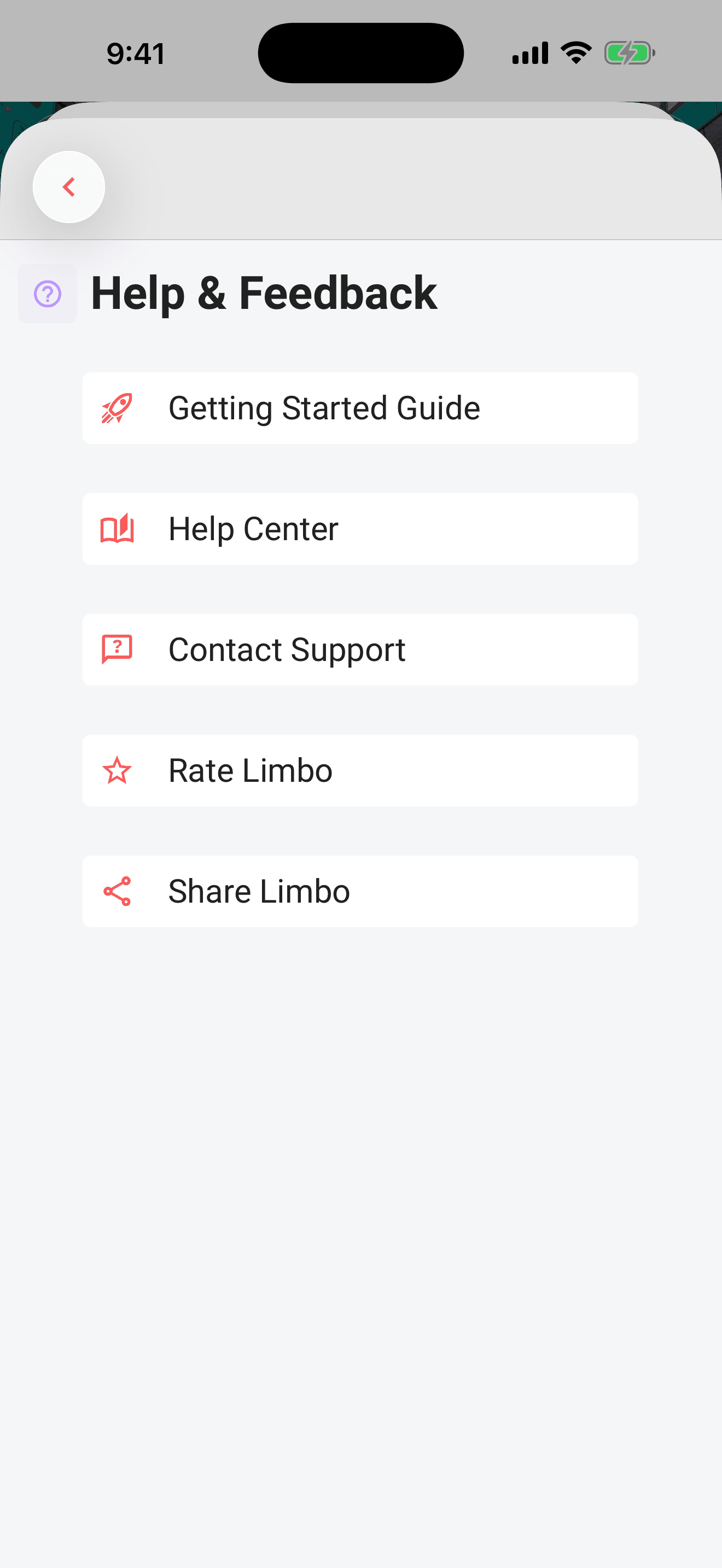
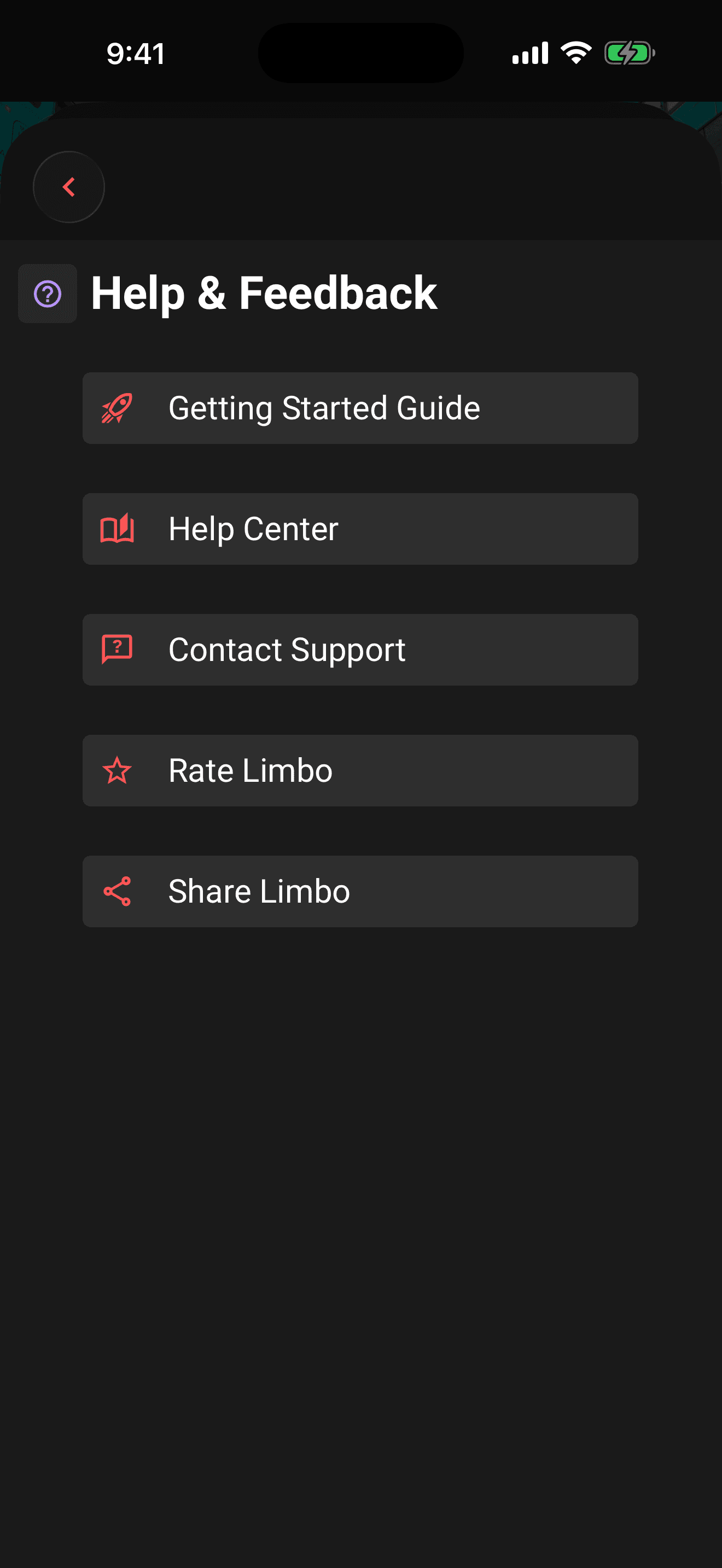
Open Account from your Home avatar, then tap Help & Feedback. From there you can reopen the Getting Started Guide, browse this Help Center, or hit Contact Support to reach us directly. Include what you tapped, what you expected, and what happened instead, it cuts the back-and-forth in half.
You can also choose Rate Limbo or Share Limbo. In a browser, Rate Limbo lets you choose App Store or Google Play for the mobile app you use; it does not choose a store automatically. On smaller windows, scroll to reach every action. Sharing opens the available share options, or a copyable link when your browser cannot open a share sheet.
Browser help and store links normally open in a new window. If the browser blocks it, choose Open here to use the current tab, or Cancel to stay in Limbo. When opening here, use your browser's Back button to return.
"I need to sign in again after reinstalling"
Reinstalling Limbo does not restore your previous sign-in. Connect to the internet and sign in to your account again. An ordinary app update carries your saved sign-in forward when possible.
If Limbo cannot save your sign-in, unlock your device and reopen the app before trying again. Avoid reinstalling while you have unsynced changes: reconnect and let them sync first.
The browser version can keep you signed in across reloads while your session remains valid. If you are asked to sign in after reopening the page, reconnect to the internet first. Clearing this site's saved data or using a different browser can require signing in again.
If you have already signed in and loaded a trip online, you can reopen its saved content offline in the same browser while you remain signed in, where offline access is available. Content you have not loaded may still need a connection. Reconnect to verify your session and let saved changes sync before clearing browser data or switching accounts.
You can sign out of the browser app while offline. Once sign-out finishes, reopening the page will not sign you back in. Limbo finishes closing the online session when you reconnect. Signing out also returns other open Limbo tabs in the same browser to sign-in. If you then use another account, those tabs use that account too; a trip link only opens if that account has access.
Related articles
Working offline
Use saved trip content in airplane mode, understand how maps behave without a connection, and see how queued changes sync after reconnecting.
Notifications: the bell, the inbox, and your settings
Where notifications land, where tapping one takes you, and how to control push, email, and in-app alerts per type.
Join a trip with an invite link or code
Tap an invite link or enter a 6-character code to preview a trip and join the crew.
Organizers and your crew
What owners and co-organizers can do, how to promote or demote organizers, and how the crew list in Settings works.
Automatic Gmail booking inbox
Connect a Google account so booking confirmations are found for you, review every match in Incoming Plans, and disconnect whenever you like.
Trip Passes have been retired
Trip Passes are no longer sold or required, while historical purchase records remain preserved.