Join a trip with an invite link or code
Tap an invite link or enter a 6-character code to preview a trip and join the crew.
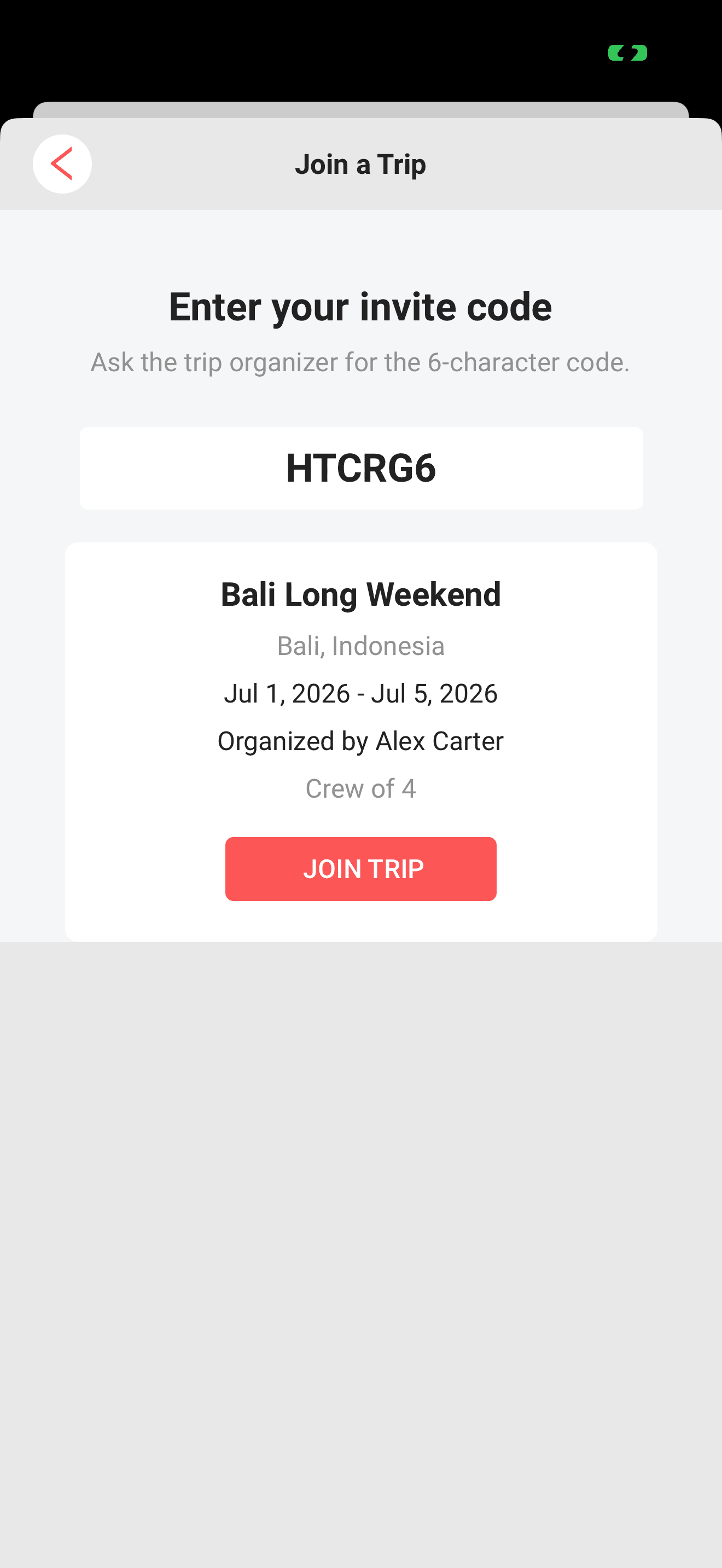
When someone plans a trip in Limbo, they can invite you with a link or a short code. You enter the code, see a live preview of the trip, and join with one tap, no email invitation required.
Anyone with a Limbo account can join a trip this way. Only the trip owner can create, share, or revoke invite codes, so if a code stops working, ask the owner for a fresh one. member
Join with a code
- 1On Home, tap Add trip. At the top of the New Trip form, tap Have an invite code? → Join a trip.
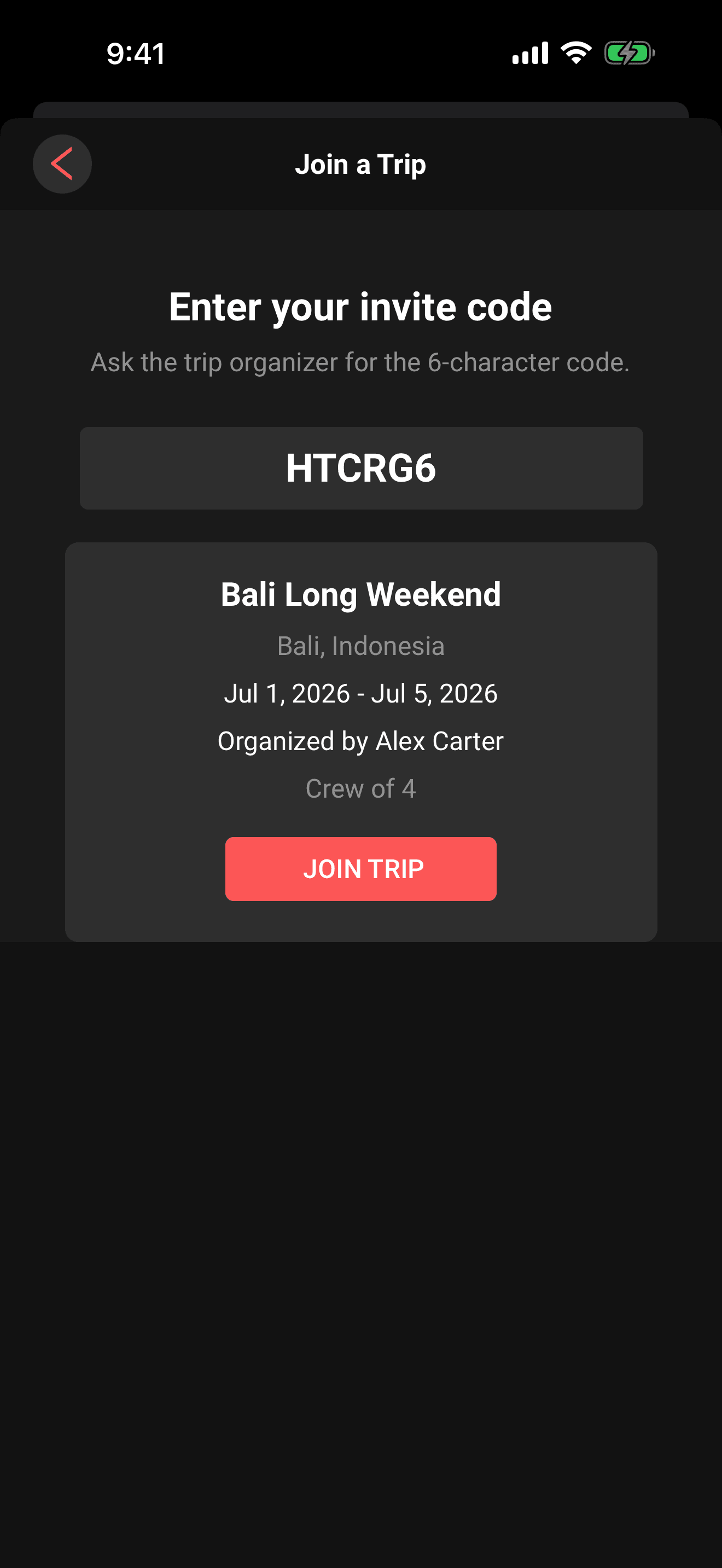
- 2Enter the 6-character code from your trip organizer. Limbo uppercases it as you type.
- 3As soon as the sixth character is in, Limbo looks up the trip automatically.
- 4Check the preview: trip name, destination, dates, who organizes it, and the crew size.
- 5Tap Join trip.
Limbo adds you to the crew and opens the trip. Joining twice with the same code is harmless, you stay a single crew member.
Tip
Codes only use uppercase letters and digits, and skip easily-confused characters like 0, O, 1, I and L. If a code looks ambiguous, it isn't, there's only one way to read it.
Join with an invite link
If the organizer shares an invite link (from the trip menu or a message), tapping it opens Limbo with the code already filled in. The trip preview appears automatically, just confirm with Join trip.
If something looks wrong
- "That code doesn't match an active trip." The code is mistyped, expired, or was revoked. Codes rotate: when the owner revokes one and creates a new one, the old code stops working. Double-check the code with your trip organizer.
- "You need to be signed in to join a trip." Log in (or create an account) first, then enter the code again. If you arrived from an invite link, open it again after signing in.
- Trip preview won't load. Pull up your connection and try again, the lookup retries each time you edit the code.

Note
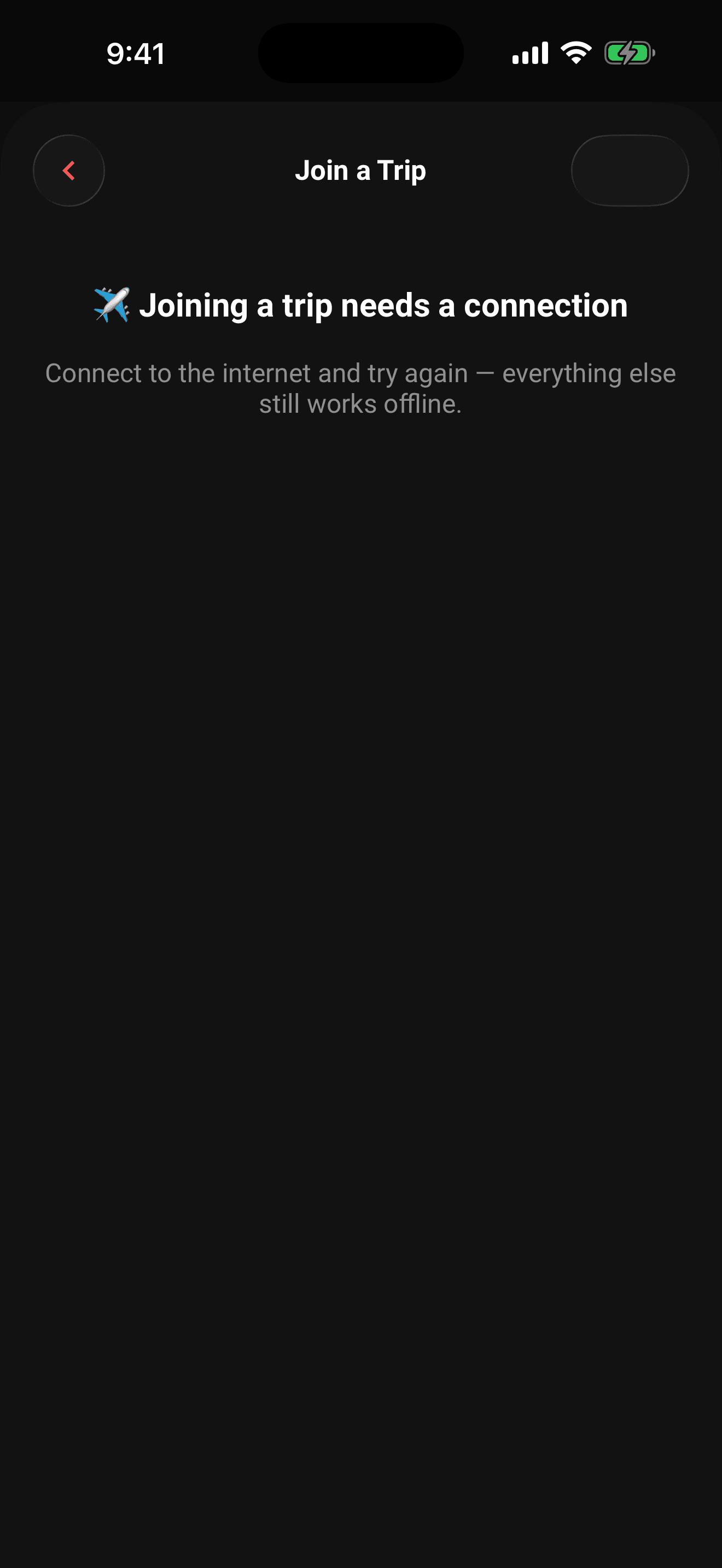
Joining a trip needs an internet connection. If you're offline, the screen tells you so and waits. You can continue supported work in cached trips; you can join the new trip as soon as you're back online.
Permissions
- Join with a valid code or link: any signed-in Limbo user. member
- Create, share, or revoke invite codes: the trip owner only. owner