Trip photos
Where the destination photos on trip cards and the trip canvas come from, and why some trips show the default image.
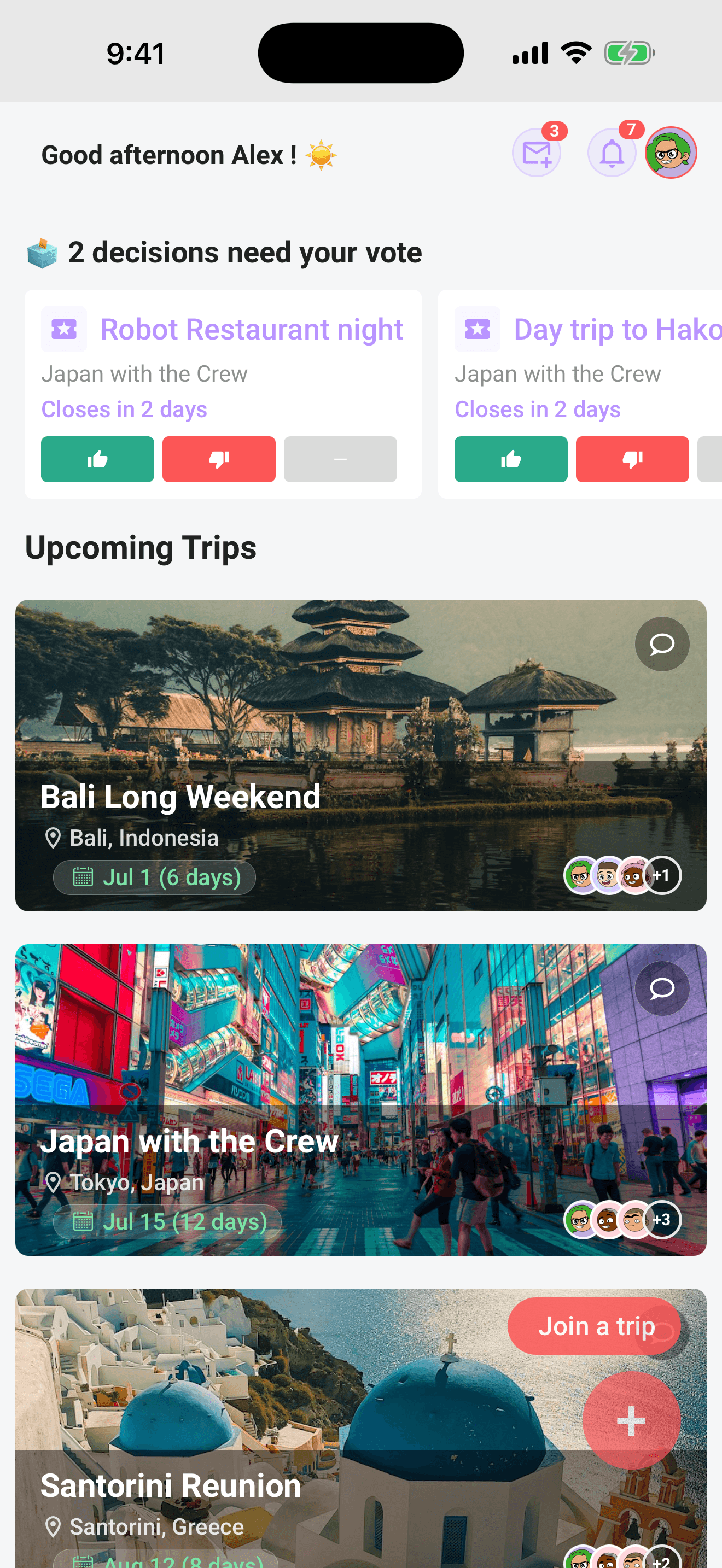
Every trip in Limbo wears a photo of its destination. You'll see it in four places:
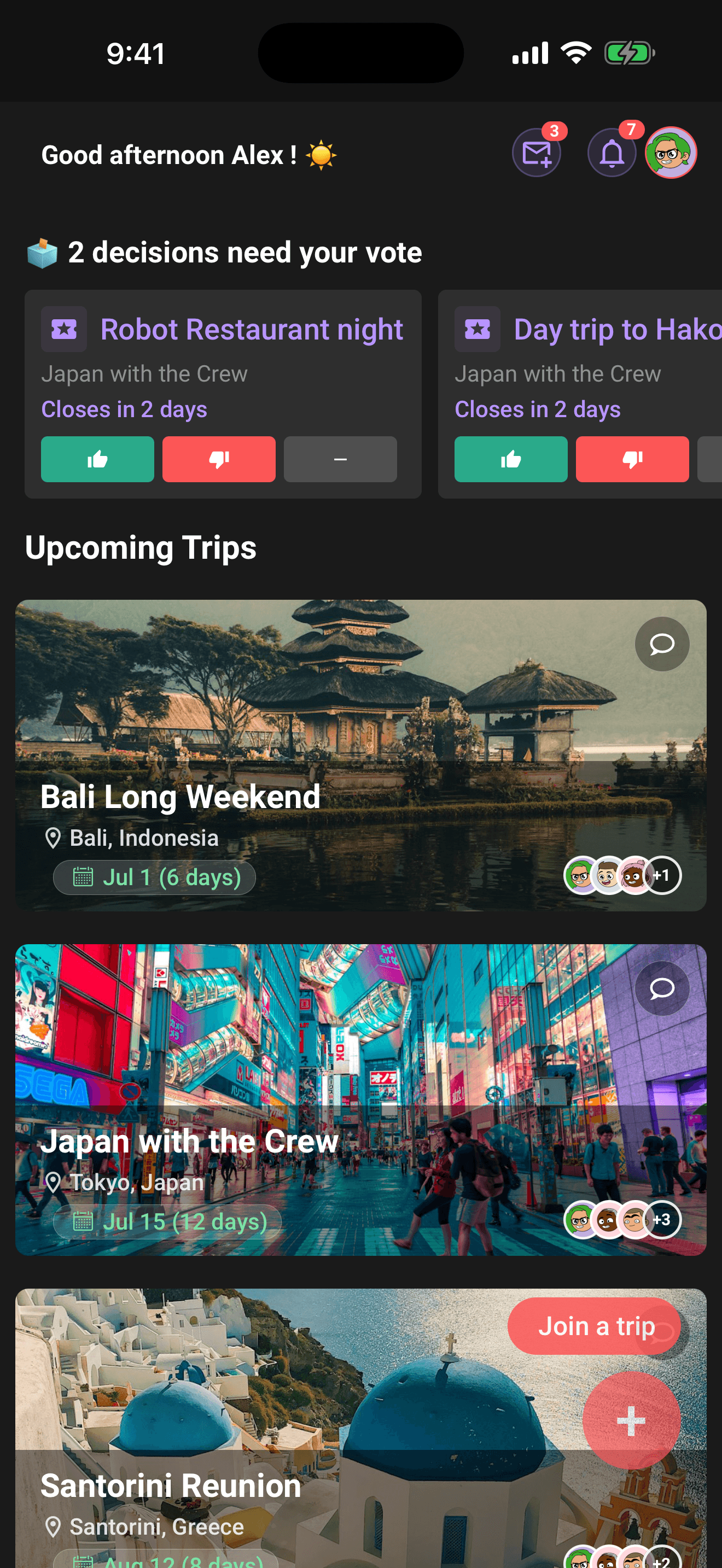
- Trip cards on Home: the photo is the card, with the trip details over it.
- The trip canvas: when a trip has no usable destination or plan coordinates, its photo fills the space where the trip map would normally appear.
- Archived Trips: small thumbnails in Settings → Archived Trips.
- The voting dashboard header: a thumbnail next to the trip name.
Where the photo comes from
When you create a trip, Limbo looks up your destination's city on Unsplash, a public photo library, and attaches the best match automatically, no setup, nothing to pick. The lookup uses the city part of your destination ("Lisbon" from "Lisbon, Portugal"), so trips to the same city tend to get the same kind of skyline.
This happens while the trip is created and again when you change its destination. The photo is stored with the trip, so cards and heroes load it the same way for everyone on the crew. With enabled, recently verified Pro offline access, a photo already stored on the phone can keep showing without a connection.
When you see the default image instead
Some trips show Limbo's built-in travel image rather than a destination photo:
- No photo matched the destination: small towns and unusual place names sometimes come up empty.
- The lookup failed at creation time: trip creation never waits on the photo, so a hiccup just means no photo.
- The destination is blank or “No destination”: Limbo deliberately uses its built-in image instead of searching those words as though they were a city.
Note
There's currently no way to choose or upload your own trip photo: the destination photo and the default image are the two options. If the city photo is wrong, correct the destination from Edit Trip and Limbo requests a new match.
Other photos in the app
Don't confuse the trip photo with the other images you'll run into:
- Profile and crew member avatars are uploaded by each person from their own profile.
- Chat photos are whatever your crew shares in the conversation.
- Attachment photos are saved trip or plan files in the Pro Attachments workspace; they do not replace the automatic trip cover.
Permissions
member Trip photos are automatic and the same for everyone: there's nothing to configure, and no role unlocks photo controls.
Related articles
Create a trip
Every field on the new-trip form, name, destination, dates, timezone, currency, plus what the voting toggle really does.
The trip screen
A tour of the map-first trip screen: the draggable hub, day-coloured map, quick actions, tiles, workspaces, and trip settings.
Attach tickets and documents
Use Limbo Pro to keep tickets, confirmations, and documents on a trip or plan, and download them in an encrypted offline travel pack.
The Home screen explained
A tour of Home: the decisions inbox, trip cards with Preflight progress and chat, plans waiting for review, notifications, and the buttons that start everything.