The trip log
Every change on the trip in one color-coded history: who did what, when, with green, red, indigo, and amber entries.
The trip log is the trip's memory: a read-only history of everything that happens, from the moment the trip is created. When someone asks "who deleted the brewery tour?", this is where you look.
Anyone on the trip can open it, there's nothing to edit here. member
- 1Open the trip and tap the gear beside the trip name.
- 2Tap Trip log.
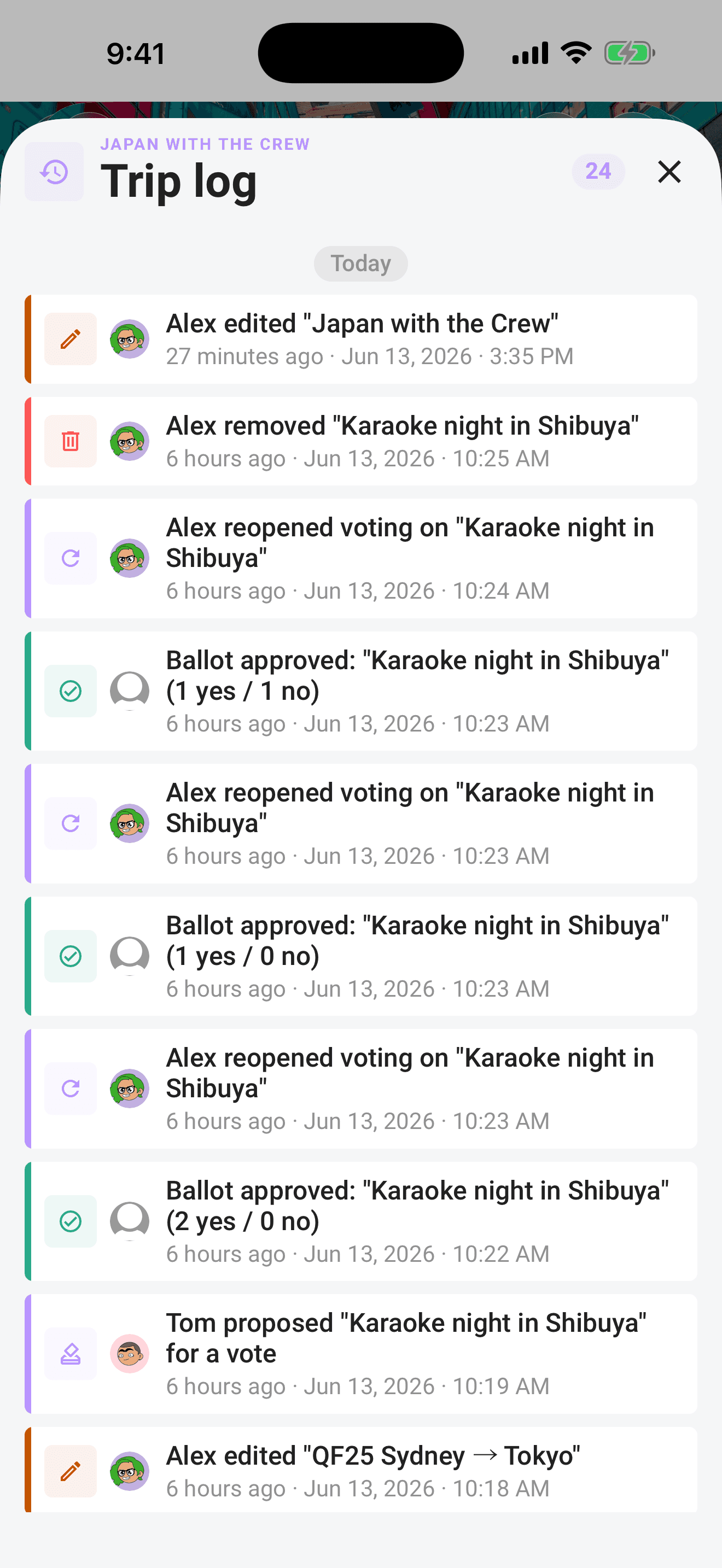
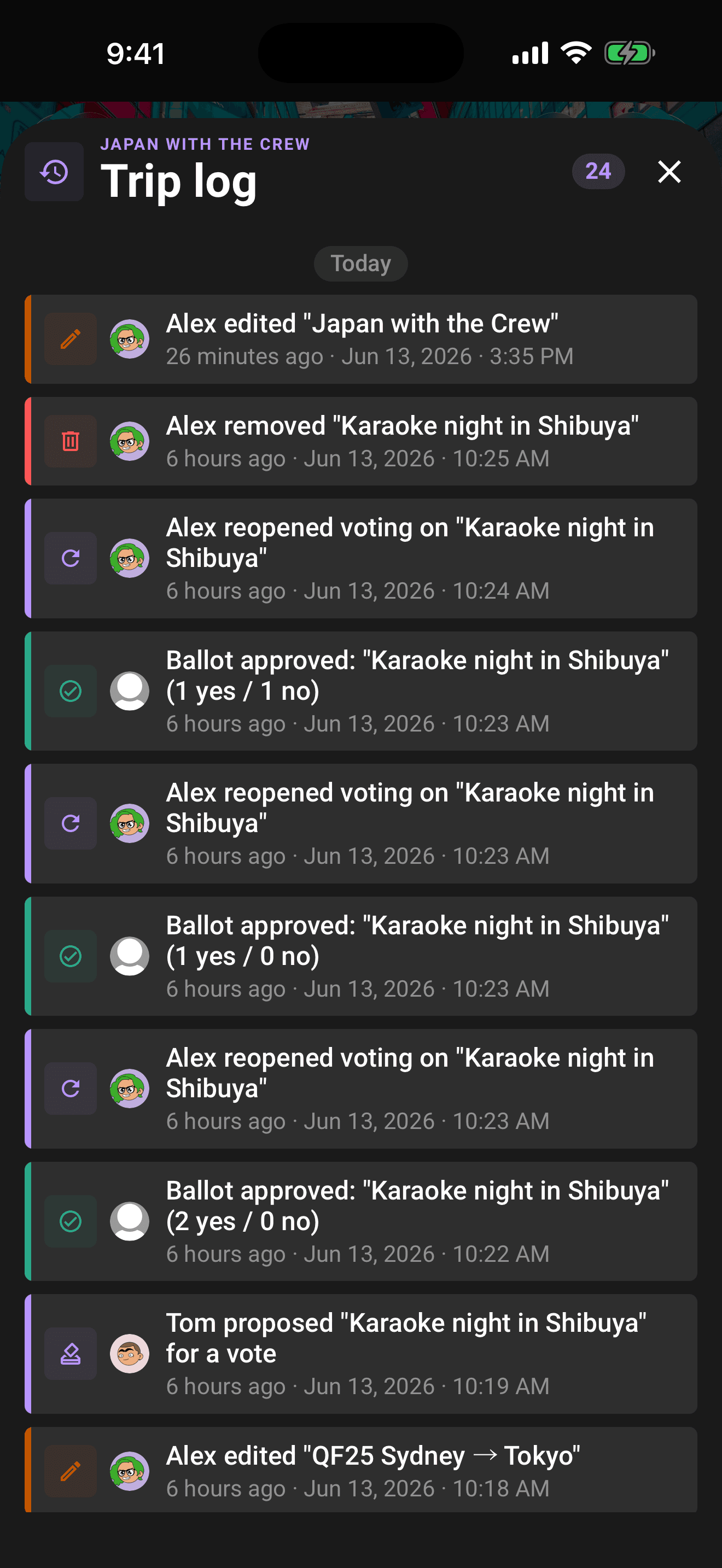
Reading an entry
Each row shows a colored icon for the kind of change, the avatar of who did it, a one-line description, and the time, both relative ("2h ago") and exact. Entries are grouped by day with Today, Yesterday, and date separators, newest first. A pill in the header counts the entries loaded so far.
The color legend
| Color | Means | Examples |
|---|---|---|
| Green | Additions and approvals | Trip created, plan added, crew joined or added, organizer added, invite code created, ballot approved |
| Amber | Edits and neutral changes | Trip or plan edited, dates changed, trip reactivated, plan added from email |
| Red | Removals and rejections | Plan deleted, crew removed or left, trip archived, organizer removed, invite code revoked, ballot rejected, organizer veto |
| Indigo | Voting lifecycle | Ballot opened, voting reopened |
Tip
Vote verdicts get the outcome's color: an approved ballot logs in green, a rejected one in red. The indigo entries mark when voting started or was reopened, so you can trace a plan's whole journey from proposal to verdict.
What gets logged
- Trip: created, edited, dates changed, archived, reactivated.
- Plans: added, edited, deleted, and plans parsed from forwarded emails.
- Crew: added, joined by link, removed, left; organizer promotions and demotions.
- Invite codes: created and revoked.
- Voting: ballots opened, reopened, resolved (approved or rejected), and organizer vetoes.
Older entries
The log loads the most recent entries first and fetches more as you scroll. Long-running trips can have a deep history. Pull down to refresh and pick up the latest changes.
If the log cannot load
A failed request is different from an empty history. Tap Try again after checking your connection and trip access, or Go to my trips to leave the unavailable log. If only earlier entries fail to load, the entries already shown stay available and a retry control appears at the bottom. If your access to the trip has been removed, its history is no longer shown.
Permissions
member Everyone on the trip sees the same log. It can't be edited or cleared, including by the owner.
Related articles
The trip screen
A tour of the map-first trip screen: the draggable hub, day-coloured map, quick actions, tiles, workspaces, and trip settings.
Organizer powers
Tune the voting rules, decide a ballot early, or reopen a settled vote. What organizers and the trip owner can each do.
Notifications: the bell, the inbox, and your settings
Where notifications land, where tapping one takes you, and how to control push, email, and in-app alerts per type.