Archive, reactivate, and delete a trip
Put a finished trip away, bring it back, or remove it for good, and what happens to its plans and ballots along the way.
When a trip is over (or shelved), archive it: it leaves the Home screen for the whole crew, but nothing is lost. Archived trips live in Settings → Archived Trips, where organizers can bring them back or delete them permanently.
Archive a trip
Archiving is for the trip owner and crew with edit permission. organizer
- 1Open the trip and tap the gear in the top-right corner.
- 2Tap Archive.
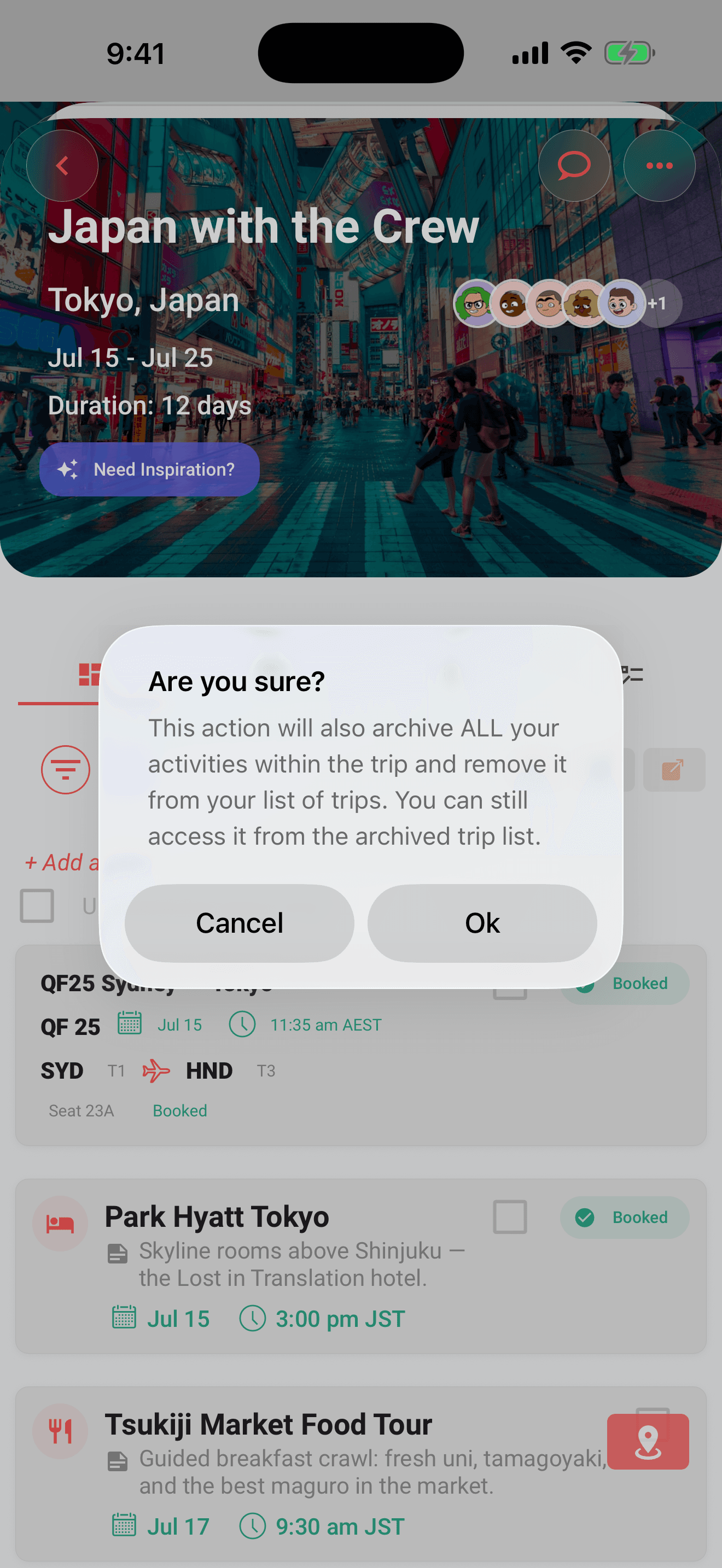
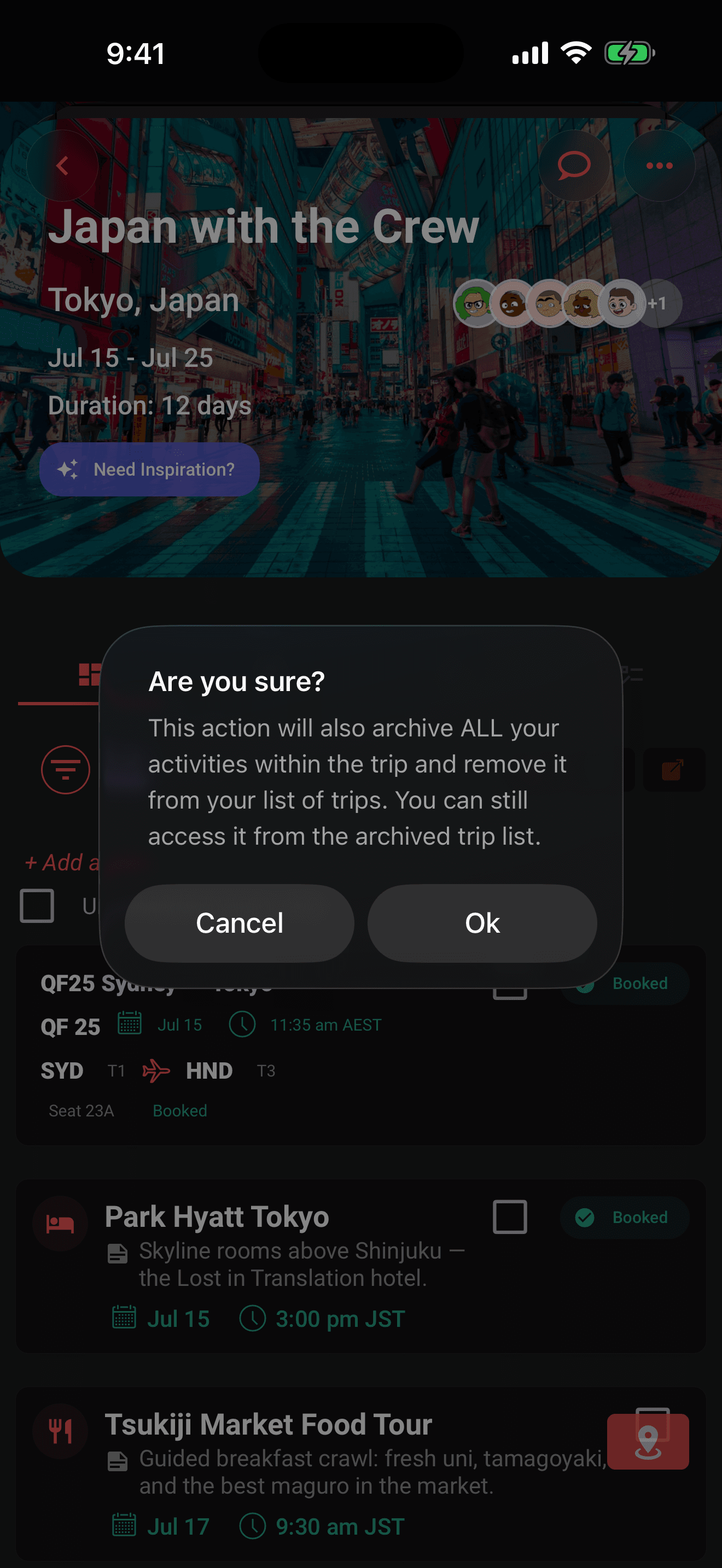
- 3Confirm, and the alert reminds you this also archives all the trip's activities.
- 4You're returned to Home, and the trip is gone from everyone's trip list.
What archiving means:
- Plans are archived along with the trip.
- Ballots disappear from everyone's Decisions inbox while the trip is archived. Deadlines keep counting down; voting and resolution resume after an organizer reactivates the trip.
- There is no fee. Archiving and reactivating do not spend a pass or change Pro. Reactivate the trip and it returns exactly as it was.
- The archive shows in the trip log, and the crew can be notified depending on their settings.
Heads up
The archived list does not offer an Open action. If the trip is already open on another device, it shows Archived trip and changes are blocked. An organizer must reactivate it from Archived Trips before plans, votes, expenses, or other changes can be saved.
The Archived Trips screen
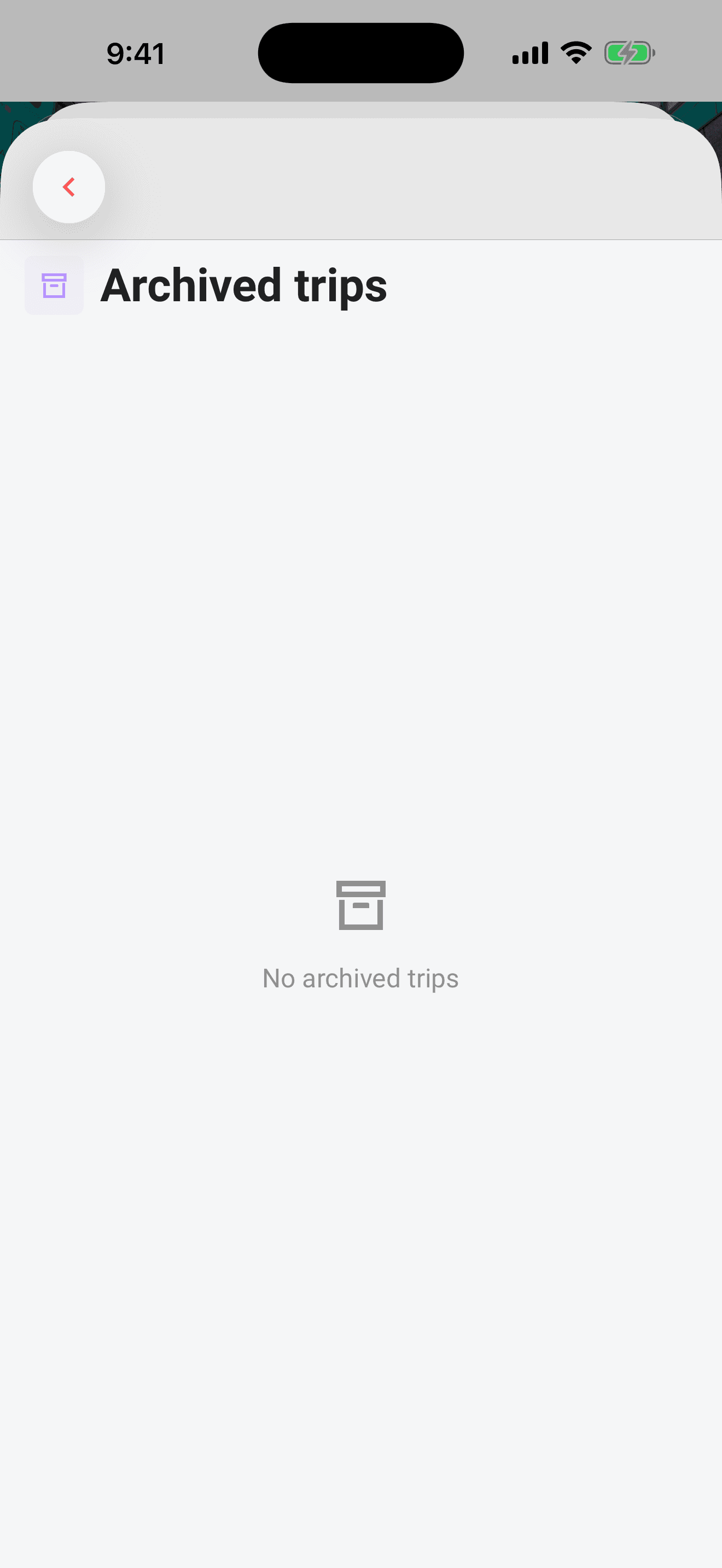
Settings → Archived Trips lists every archived trip you're on (cover photo, name, destination, and trip dates) with a count in the header. While connected, changes from your other devices appear automatically. Pull down to refresh if your connection was interrupted. Anyone can view the list; the buttons are organizer-only. member
You can archive a trip or permanently delete an archived trip without a connection. The trip moves into Archived Trips immediately, where an organizer can still use the red trash button; both changes wait safely in the sync queue until the connection returns. Reactivate always needs a connection and appears again when you're online. organizer
Reactivate a trip
Reactivating is organizer-only: non-organizers see an "Organizers only" hint instead of buttons, and the server blocks the change for them too. organizer
- 1Go to Settings → Archived Trips.
- 2Tap Reactivate on the trip.
- 3Confirm, and the trip and all its plans move back to the trips list for everyone on the trip.
If archiving or reactivation fails, Limbo explains the problem and keeps the trip available so you can try again. Check your connection before retrying. If you see Trip access changed, close the menu and reopen the trip to check its current status and your permissions. After switching accounts, reopen the trip and start the action again.
Note
Reactivated trips return exactly as they were, plans, ballots, and crew intact.
Delete a trip permanently
Deletion lives on the same screen, behind the red trash button, also organizer-only. organizer
Tap the trash icon and confirm: the trip and all its plans are deleted for everyone on the trip, and this cannot be undone. There is no recovery; if you're not sure, leave the trip archived instead; it costs nothing to keep.
Deleting is not a purchase action
Creating, confirming, archiving, reactivating, and deleting trips do not spend or refund a pass. Deleting permanently removes the trip for its crew; it does not change annual Limbo Pro, which is managed separately through the App Store or Google Play.
Permissions
- Archive: owner and crew with edit permission. organizer
- Reactivate: organizers only, server-enforced. organizer
- Delete permanently: organizers only, from Settings → Archived Trips. organizer
- View the archived list: anyone. member
Related articles
The trip screen
A tour of the map-first trip screen: the draggable hub, day-coloured map, quick actions, tiles, workspaces, and trip settings.
Organizers and your crew
What owners and co-organizers can do, how to promote or demote organizers, and how the crew list in Settings works.
Trip Passes have been retired
Trip Passes are no longer sold or required, while historical purchase records remain preserved.