The reveal
What happens when a ballot resolves: the verdict stamp, the tally bars, who voted for what, who sat it out, and sharing the result.
The reveal is the payoff of every ballot: the moment the votes are counted, the verdict stamps in, and the whole crew sees how it went. On sealed ballots it's the first time anyone sees the tally at all.
Who can do what: everyone on the trip can see the reveal. Organizers can Share the verdict or Reopen voting.
When reveals happen
A ballot resolves, and the reveal appears, when any of these happens:
- Everyone eligible has voted. The ballot closes immediately.
- The deadline passes with minimum participation met. The verdict is called from the votes that are in. If participation is too low, the ballot closes and waits for an organizer instead of showing a reveal.
- An organizer ends it with Decide now. That reveals the tally on the spot, sealed or not.
A ballot never closes early just because the yes votes are winning, it holds open to the deadline so nobody's vote gets cut off, sending a last call to anyone who hasn't voted. The rules that turn votes into a verdict are covered in How group voting works.
What the reveal card shows
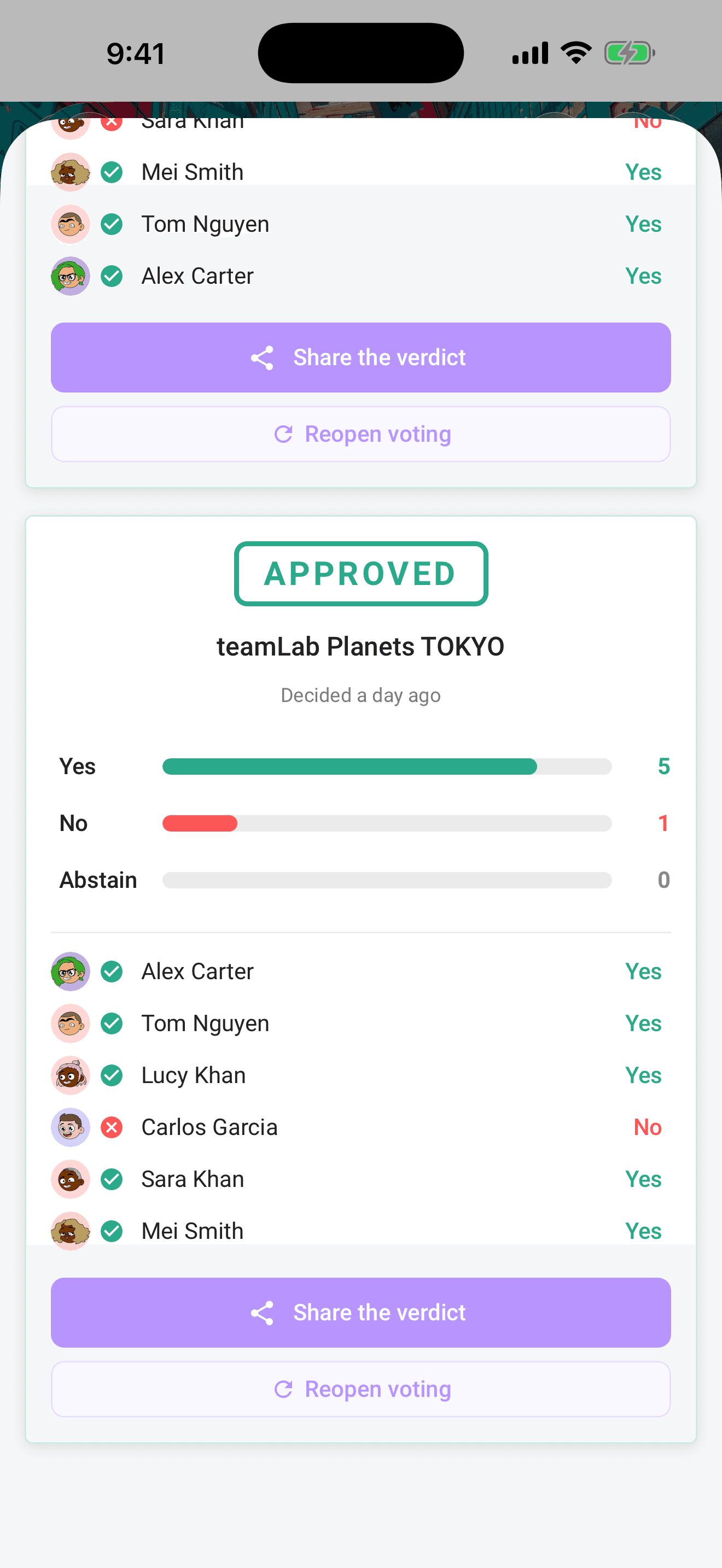
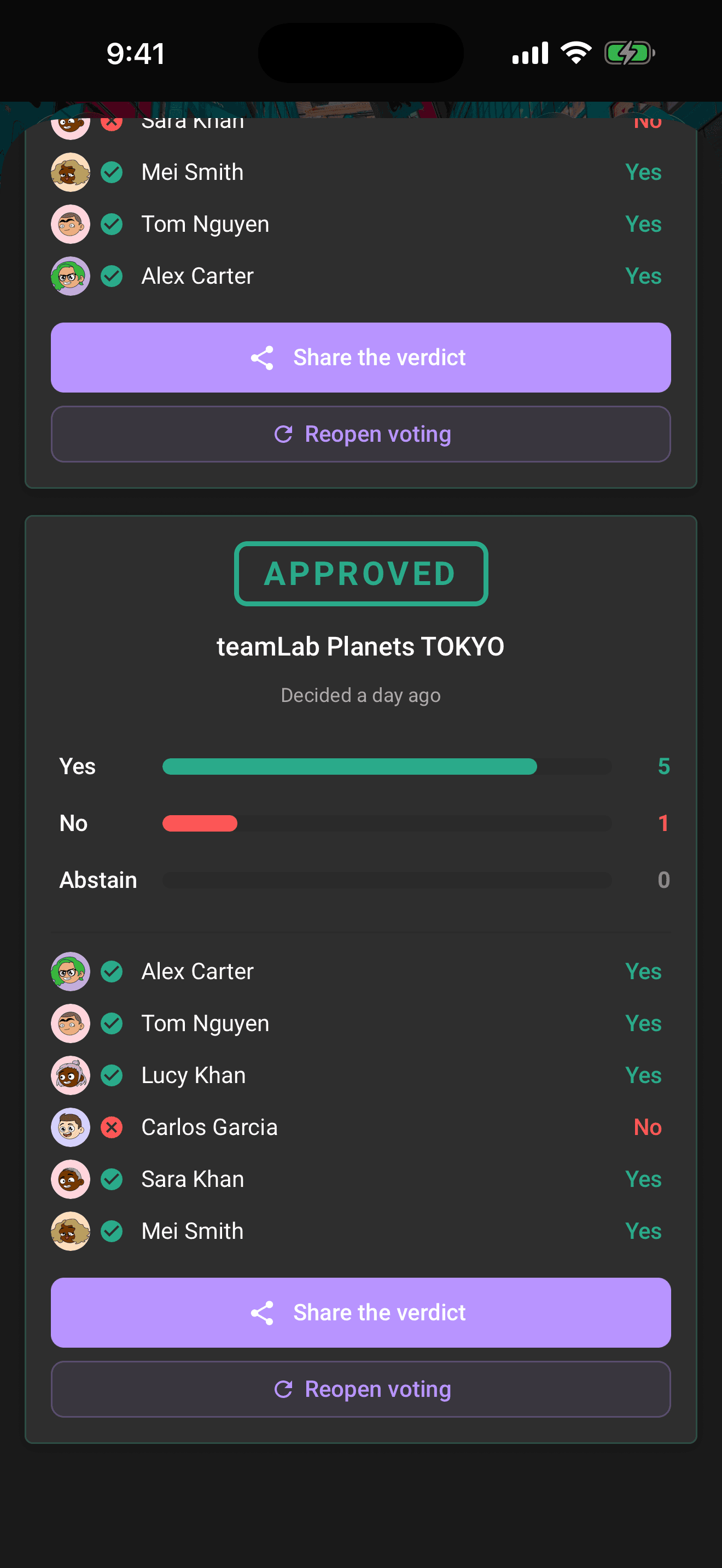
From top to bottom:
- The stamp, a tilted APPROVED (green) or REJECTED (red) stamp slams in over the plan name, with a "Decided 2 hours ago" line under it.
- Tally bars, Yes, No, and Abstain bars animate out to their final counts.
- Voter rows, each voter's avatar and name with a colored choice icon and label: Yes, No, or Abstain.
- Didn't vote, the crew members who never cast a ballot, by name, with the house rule spelled out: "No vote, no complaints."
- Share the verdict, posts the result anywhere (more below).
Anonymous ballots: tallies only
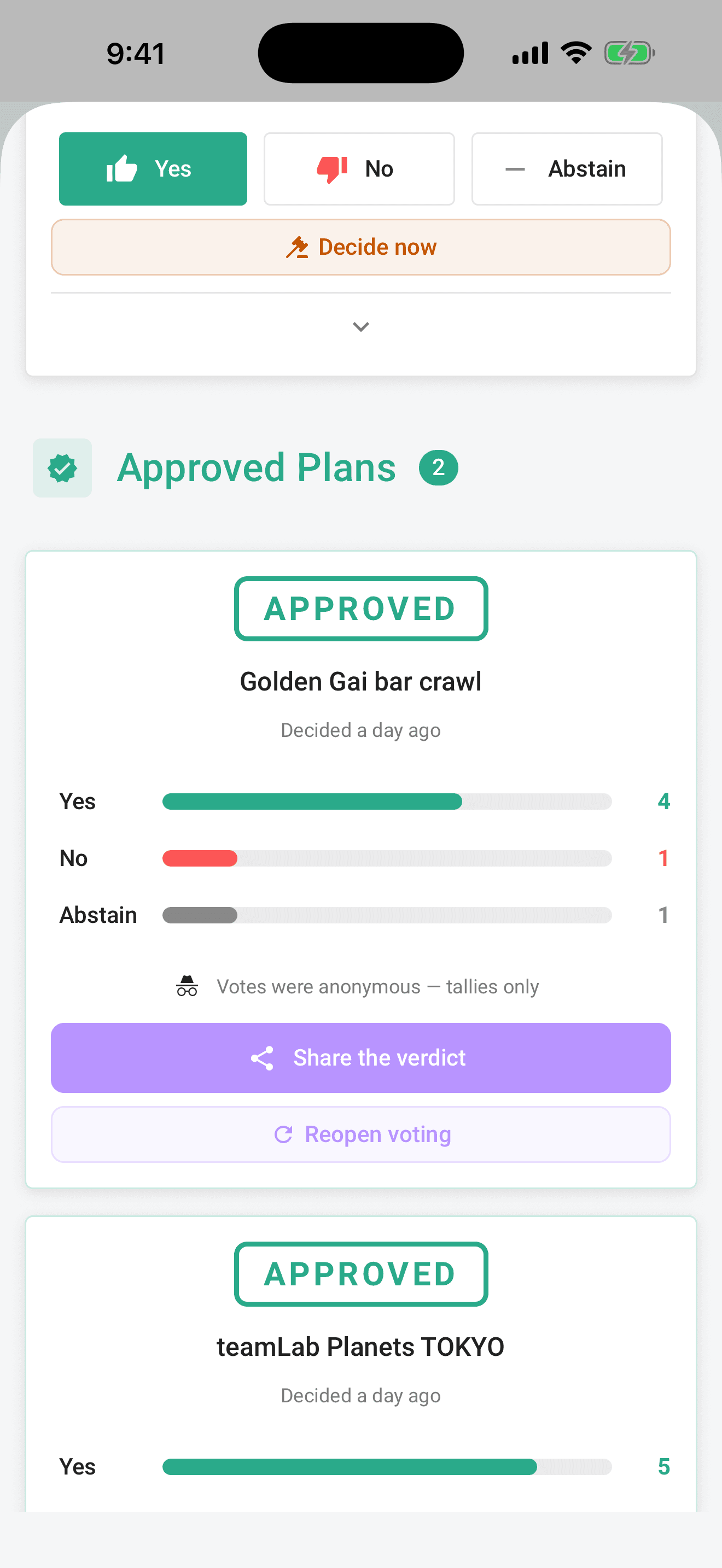
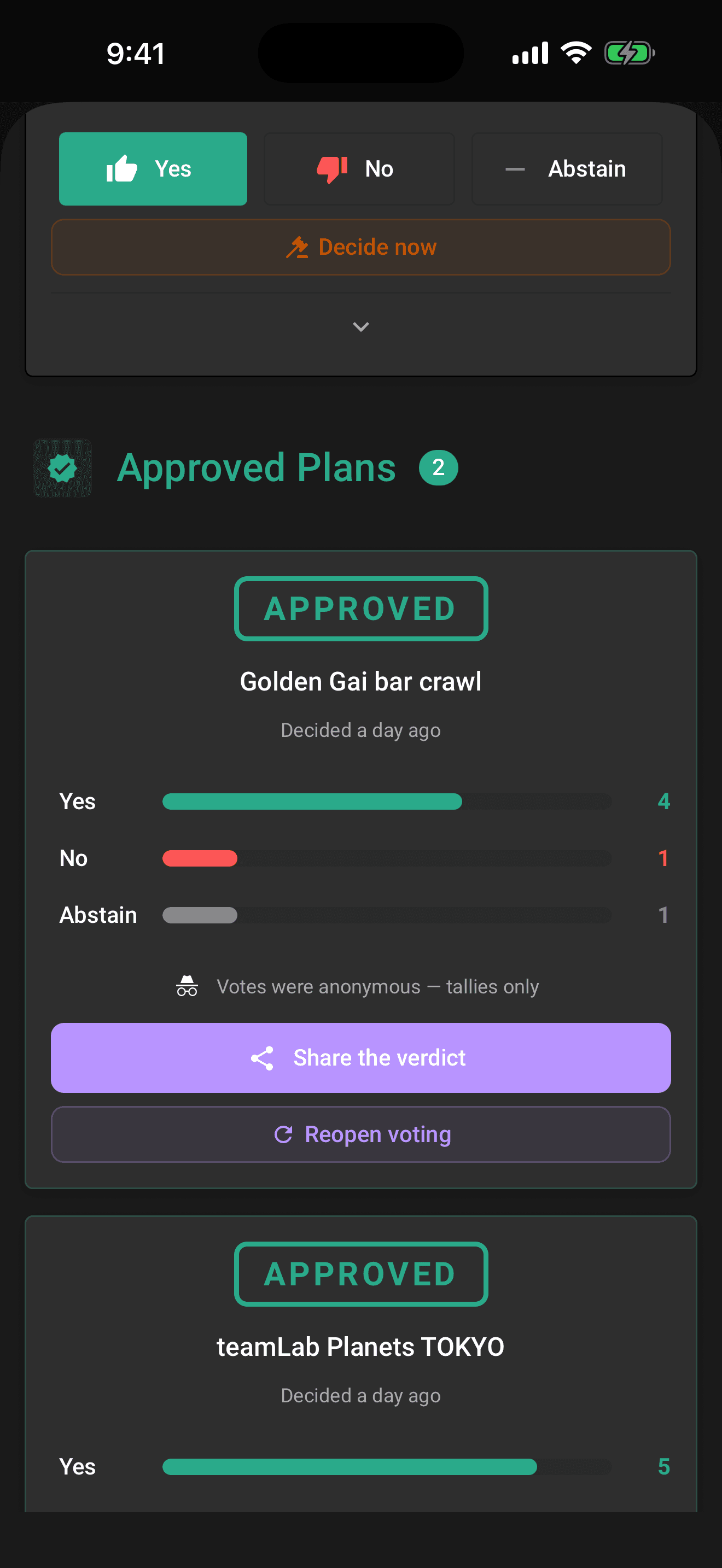
If the ballot was set to anonymous voting, the reveal protects identities forever. Instead of voter rows, the card shows a note: "Votes were anonymous, tallies only." You still get the stamp, the bars, and the counts, you just never learn who voted which way.
Anonymity covers choices, not participation: the Didn't vote row still names the people who sat it out. See Sealed and anonymous ballots.
Where reveals show up
- Voting → Votes inside the trip, resolved ballots move into the Approved Plans and Rejected Plans sections as full reveal cards.
- The full-screen voting dashboard, opened from a voting notification, shows the same approved and rejected sections.
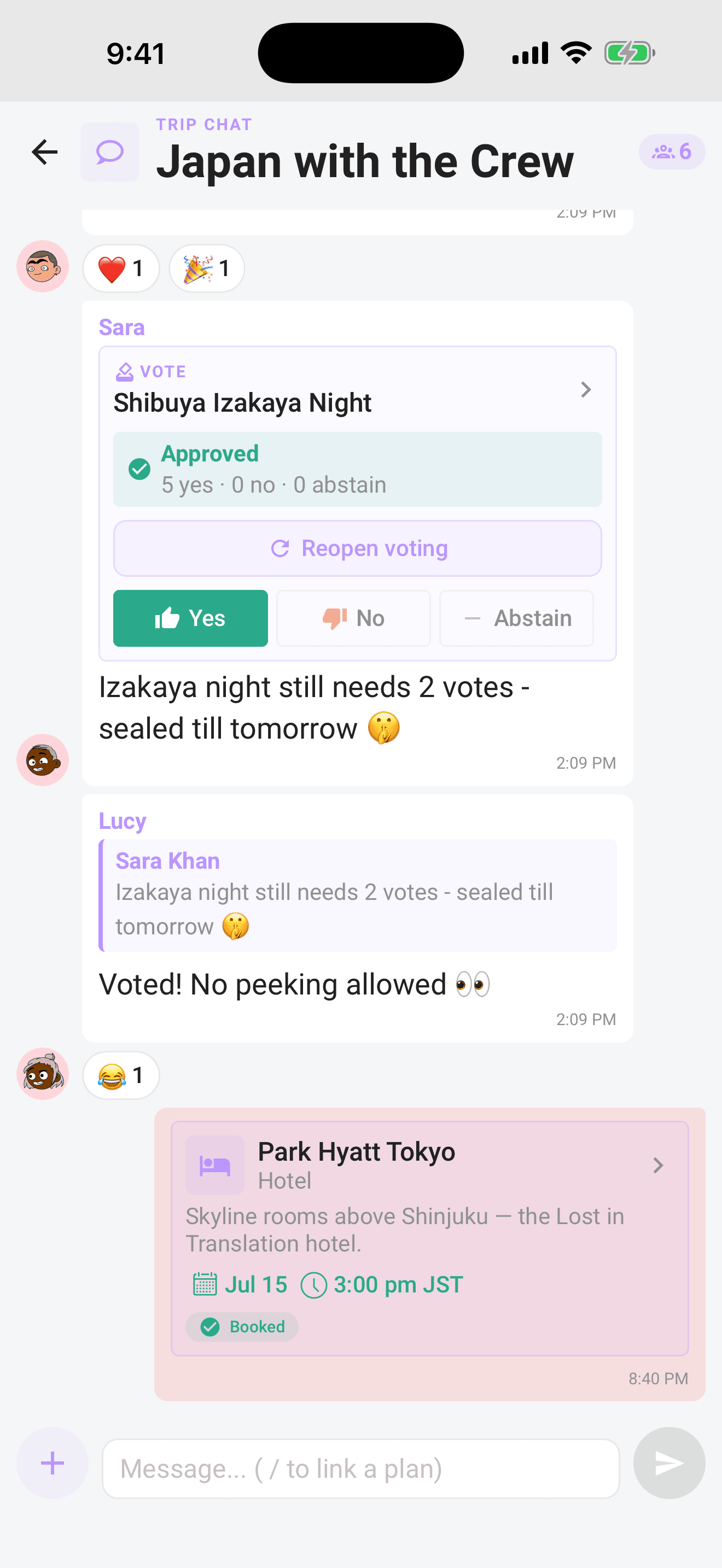
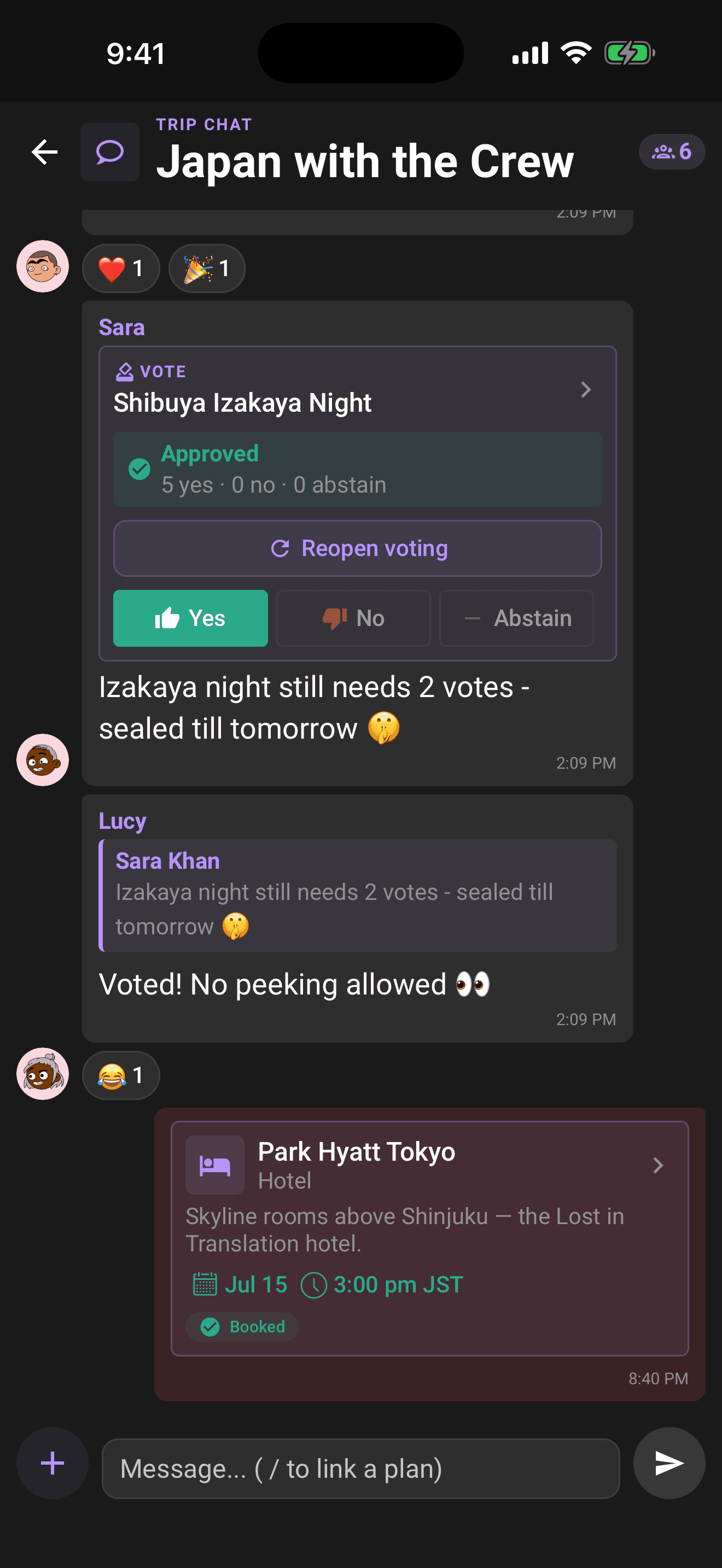
- Trip chat, a ballot card in the conversation flips in place to a compact verdict banner with the final tally, like "Approved, 8 yes · 2 no · 1 abstain". The full reveal with voter rows lives on the dashboards.
Share the verdict
- 1Open the resolved ballot under Voting → Votes or on the full-screen dashboard.
- 2Tap Share the verdict.
- 3Pick any app from your device's share sheet: group chat, messages, anywhere.
The message writes itself, for example: "Sunset Catamaran (Lisbon Crew): APPROVED 8–2 ✅ decided on Limbo".
Owners and co-organizers can share the verdict. In a browser, use the device share sheet when available, or choose Copy in Limbo's share dialog. Cancel leaves the result unshared. The button shows Sharing… while the request or share dialog is open.
Keep the voting screen open while the link is prepared. If you leave, switch accounts, lose organizer access, or the ballot changes, reopen the result and start again. A temporary connection problem may leave you with the verdict text only; if Limbo says the ballot or your access has changed, it stops sharing instead.
It also carries a public reveal link, a /r/... address on web.getlimbo.app. Anyone can tap it, with or without the app, and see the same reveal in their browser: the verdict stamp, the final tally, and the "X of Y voted" turnout. Sealed ballots stay sealed on the web too, the page shows nothing until the ballot has resolved. There's a start your own ballot button on it, so a shared result quietly does your recruiting for you.
Choose Continue in browser on the shared page to open the trip in the full Limbo browser app, or Open in Limbo to use the mobile app. If you need to sign in, the browser keeps your trip destination. Opening a public reveal does not grant membership or edit access to the trip. Shared pages offer System, Light, and Dark theme choices; an invalid link offers Open Limbo in browser to return to your trips.
Get the result by email
You don't have to keep checking back for the outcome:
- Voting from a browser link? Tap Email me the result, especially handy on sealed ballots, where there's no tally to watch. Limbo emails you the verdict the moment the ballot closes.
- When a ballot you're on resolves, Limbo can also send you a "Decision reached" email with the outcome, so you get the result even on a day you never open the app.
Both are covered in Reminders and result emails.
After the reveal
The verdict stands unless an organizer steps in. Organizers see a Reopen voting button on every reveal card, it wipes all previous votes and starts a fresh 48-hour ballot, so use it deliberately. The full walkthrough is in Organizer powers.
Note
Every resolution is also written to the trip log: what was decided, when, and whether an organizer overrode the vote. Nobody can quietly rewrite history.
Related articles
How group voting works
Turn plans into proposals, vote yes, no, or abstain, and see the reveal when the ballot closes.
Sealed and anonymous ballots
Hide the running tally until the reveal with sealed votes, or hide who voted for what with anonymous voting.
Reminders and result emails
A last-call nudge before a ballot closes, "The verdict is in" the moment it does, and a way to get the result by email straight from a shared link.
Trip Passes have been retired
Trip Passes are no longer sold or required, while historical purchase records remain preserved.
Organizer powers
Tune the voting rules, decide a ballot early, or reopen a settled vote. What organizers and the trip owner can each do.