Edit a trip
Change a trip's name, destination, dates, timezone, currency, and crew: who can edit, and how changes save and sync.
Every field you set when creating a trip can be changed later from the edit form.
Who can edit: the trip owner, co-organizers, and any crew member the owner has given edit permission. If you tap Edit without permission, Limbo tells you only the trip organizer or crew members with the appropriate permission can edit the trip. organizer
Make a change
- 1Open the trip and tap the gear beside the trip name.
- 2Tap Edit. The form fetches the latest trip details first, then pre-fills every field.
- 3Change what you need. Only the name is required; you can leave the destination unset while the crew is still deciding.
- 4Tap the check in the top-right corner to save (or Cancel to discard).
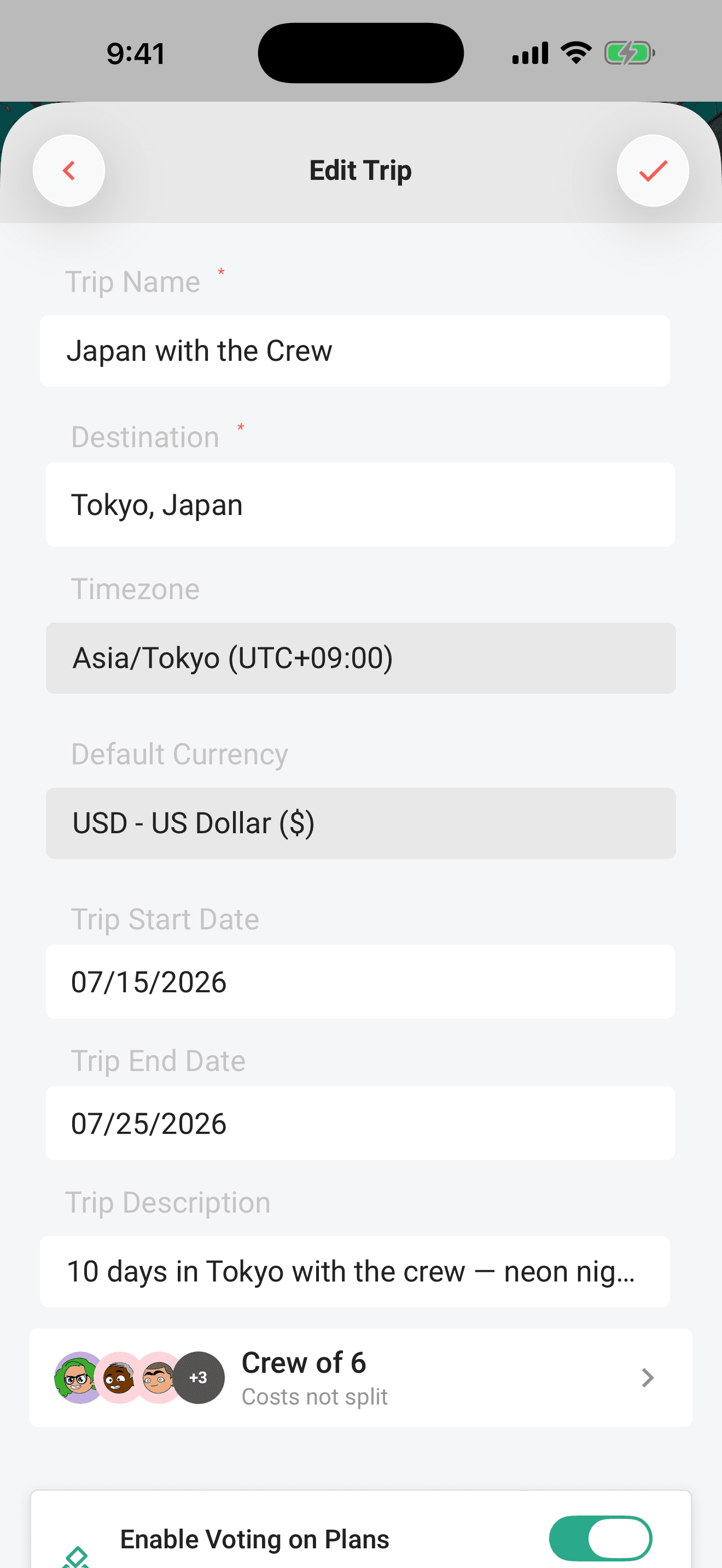
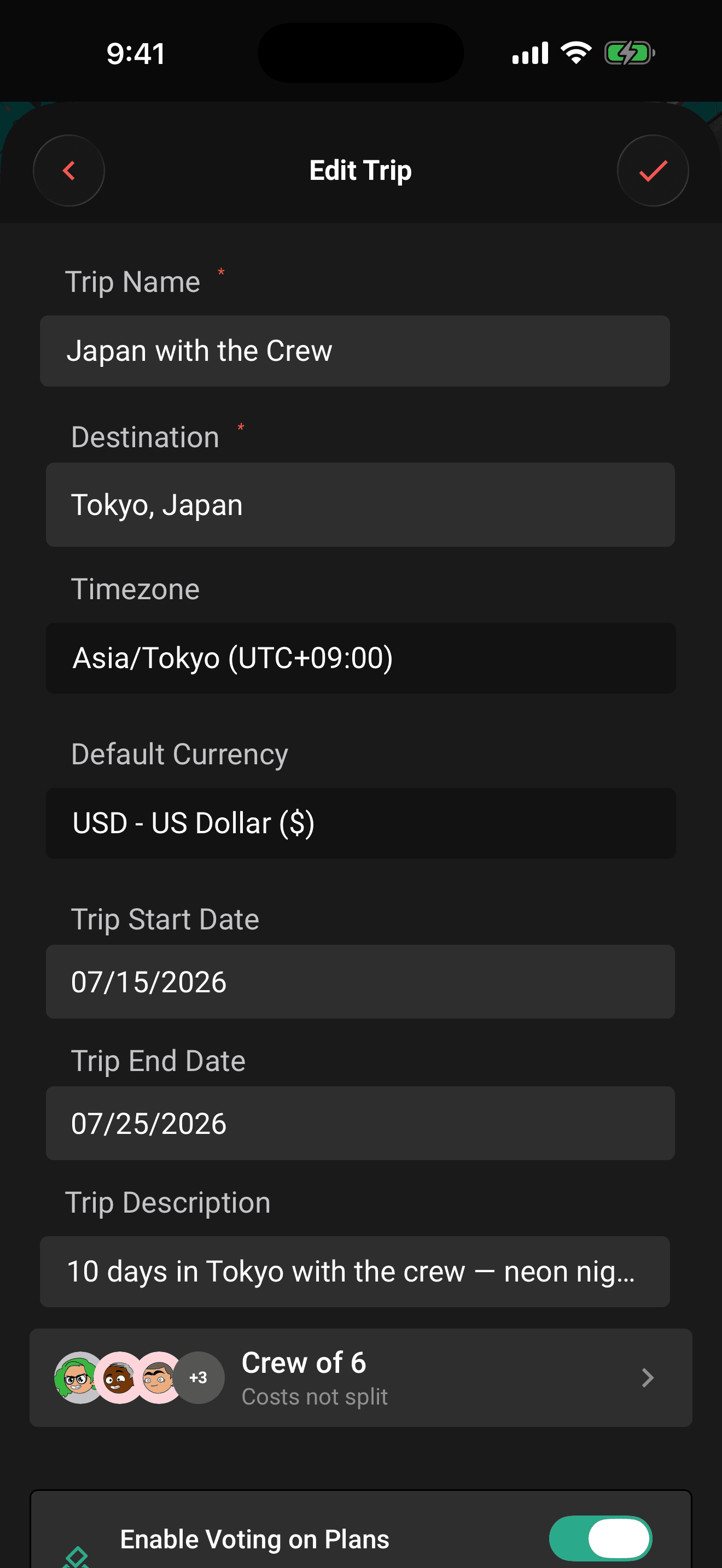
If something required is missing, an error banner appears at the top of the form and the screen scrolls up to show it.
Note
After updating from an older Limbo version, a trip may show No destination when its previous place match cannot be carried into the new Google Maps format safely. Connect to the internet, open Edit, and select the destination again. The trip name, dates, crew, plans, votes, and other trip content are not removed.
The fields
- Trip name (required): what the crew sees everywhere.
- Destination (optional): tap the field and pick a matched place from the suggestions, choose Use “…” without a map pin to save your exact custom label, or leave it as No destination while the crew is still deciding. A matched place updates the trip's timezone automatically when Limbo knows the zone. Choosing the custom-label option removes any old map coordinates and timezone so a stale pin cannot represent the new destination.
- Timezone and default currency: change them independently any time; plan times and budget totals follow.
- Start and end dates: both remain editable for dateless, upcoming, active, and historical trips. You can move the start date backward or forward whenever it needs correcting; the end date can't be before the start.
- Description: a free-text blurb for the crew.
- Participants: tap the row to open the crew sheet: add or remove crew members, tick Edit per non-organizer member, and manage the cost split. Details in Invite your crew.
- Voting: the toggle and its settings sheet appear only for the owner. Co-organizers and crew with edit access can change trip details, but not voting rules. owner
Tap a date field and Limbo opens a calendar in a bottom sheet, tap the day you want to set it. The same calendar shows on iOS and Android.
Changing the destination or timezone keeps your chosen start and end calendar dates the same. Dates in the edit form use the trip's timezone, even when your phone is elsewhere.
Date limits
- An existing trip's start and end dates remain editable regardless of whether the trip has started. The start can move to an earlier or later day.
- Every manually created trip can span up to 365 days, and the end can't be before the start.
- A group trip becomes completed seven days after its end date. Its plans, votes, expenses, chat, and other history remain viewable, and an organizer can reopen it without a subscription.
These range checks are applied when the change reaches Limbo. If an offline date edit can't be applied by the time it syncs, Limbo keeps the failed change visible so it can be reviewed instead of silently dropping it.
What happens when you save
While you're online, Limbo keeps the form open until the server confirms the save. After confirmation, you're returned to the trip and Limbo refreshes its details so crew names and avatars stay intact. If the save fails, the form stays open with your changes still there, so you can correct anything or reconnect and try again.
If you leave the form or switch accounts while a save is waiting, its delayed response won't pull you away from your new screen or show the previous account's error. A change already sent may still have reached the trip: reopen it to check before trying again.
A couple of side effects worth knowing:
- Edits land in the trip log: a general edit, and a separate entry when the dates change.
- Date changes can notify the crew, depending on each person's notification settings.
Tip
You can edit a cached trip in airplane mode. It updates on the phone instantly and syncs to the crew after reconnecting.
Note
Picking a new destination refreshes the trip's cover photo. Clearing the destination returns the trip to Limbo's default cover; see Trip photos for details.
Your saved plans, suggestions you already added, and votes stay in the trip when you change cities. Open Find your crew's next yes to find suggestions for the new destination. Crew members already browsing online switch to the new city's cards automatically, including when a choice is still saving. Unused cards from the previous city are replaced; added and skipped choices still count toward your allowance.
Permissions
- Edit the trip: owner, co-organizers, and crew with the Edit permission. organizer
- Voting toggle and rules: owner only. owner
- Crew membership, Edit checkboxes, organizer shields, and cost splitting: owner and co-organizers. Organizer Edit checkboxes are checked and locked. Edit access alone does not grant these controls. organizer
Related articles
The trip screen
A tour of the map-first trip screen: the draggable hub, day-coloured map, quick actions, tiles, workspaces, and trip settings.
Invite your crew
Share the owner-only invite link, add crew members through the crew sheet, what the invitee sees, and how children work.
Organizers and your crew
What owners and co-organizers can do, how to promote or demote organizers, and how the crew list in Settings works.