Plans from your email
Forward booking confirmations to Limbo, review the parsed plans, and add them to the right trip in one tap.
Forward a booking confirmation (a flight, hotel, cruise, or activity) and Limbo reads it for you. The parsed plan waits in a review queue on your Home screen until you confirm which trip it belongs to. No retyping flight numbers at the gate. Forwarding is free, and Limbo only ever sees the messages you choose to send it. If you'd rather not forward each one, Limbo Pro can connect a Google account you own and find them for you — see Automatic Gmail booking inbox.
Any crew member can use this: you forward from your own inbox, review your own queue, and can file a plan into any trip you're on. member
Forward and confirm a booking
- 1Forward the confirmation email to addthis@getlimbo.app, send it from the email address on your Limbo account, or Limbo can't match it to you.
- 2On Home, tap the envelope button in the header. It pulses and shows a count badge when new plans are waiting.
- 3Review the card in the Incoming Plans sheet: Limbo shows what it parsed: timing, route and airports for flights, ports and cabin for cruises, passengers, cost, and any attachments.
- 4In File this plan, choose the destination Trip. Limbo pre-selects a suggested trip when the dates line up; change it if the guess is wrong.
- 5Decide whether to switch on Keep original email & files. Saving or previewing those files uses the Pro Attachments capability; a free account can still confirm the parsed plan with the switch off. Leave it off if the files include passenger or payment details.
- 6Tap Confirm & Add, or Delete to discard the plan (Limbo asks you to confirm).
Every card carries a confidence chip (High, Medium, or Low) showing how sure Limbo is about the parse. High-confidence cards are usually ready as-is; on a Low-confidence card, double-check the dates and times before confirming. With active Pro and the Attachments capability enabled, tap a File row to preview the original document. Use the Learn how we handle incoming emails link in the sheet to read the privacy notice.
Note
Email parsing needs a connection. If a forwarded booking hasn't appeared yet, tap Refresh at the bottom of the Incoming Plans sheet, parsing can take a minute after you forward.
What happens after you confirm
The plan lands in the trip already confirmed: a real booking does not go to a ballot, so it skips voting even on trips where voting is switched on. It is ready in the Plans timeline, and any cost appears in Expenses.
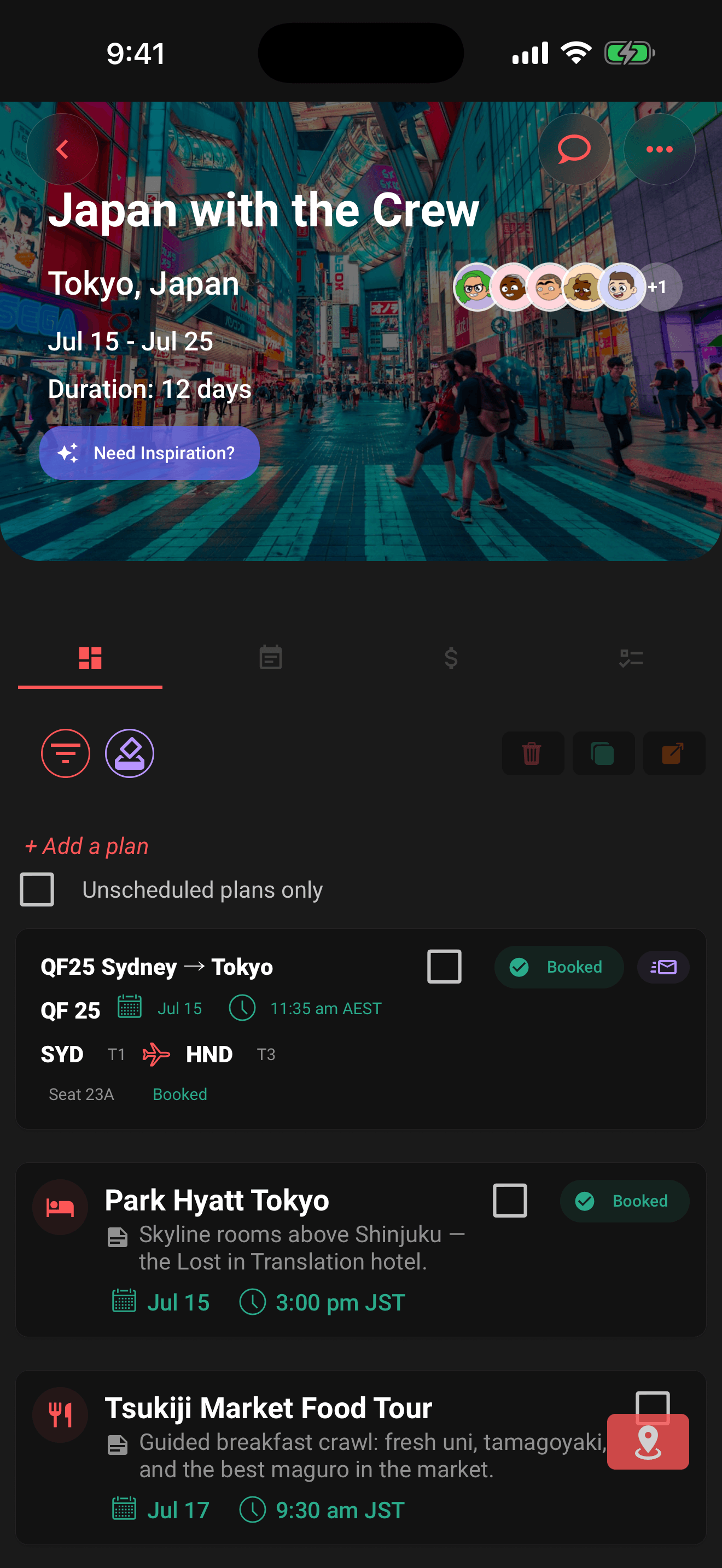
To show where it came from, the plan carries a ✉️ email chip on its Plans row and at the top of its details sheet. The trip log also records that the plan was parsed from email.
With active Pro and the Attachments capability enabled, you can switch on Keep original email & files. Each supported file must be no larger than 15 MB. The saved files share the trip's 250 MB attachment allowance and count toward your 2 GB account allowance. They are private to the trip's crew and normally need a connection to open; when Offline travel packs is enabled, a ready authorized pack can include them for offline opening. You or the trip owner can delete a newly saved file later. See Attach tickets and documents for formats, privacy, storage, and offline-pack details.
Permissions
- Forward bookings and review your incoming plans: anyone, the queue is personal to your account. member
- Confirm a plan into a trip: you must be on that trip (owner or crew). member
- Preview or keep original email files: active Limbo Pro while the Attachments capability is enabled. member
Related articles
Add a plan
Create activities, food stops, stays, flights, transport, tours, cruises, and notes from the map-first trip hub.
How group voting works
Turn plans into proposals, vote yes, no, or abstain, and see the reveal when the ballot closes.
Attach tickets and documents
Use Limbo Pro to keep tickets, confirmations, and documents on a trip or plan, and download them in an encrypted offline travel pack.