Link plans and vote in chat
Drop a plan into the conversation with "/", turn chat ideas into proposed plans, open details without leaving chat, and vote on live ballots in the stream.
"Which dinner are we talking about?" Solved. Any plan on the trip can be dropped into the chat as a card, and if that plan is up for a vote, the card becomes a live ballot eligible crew can vote on without leaving the conversation.
Who can do what: everyone on the trip can link plans and open plan details. Joined adult crew members can vote; child crew and pending invites are not eligible. Voting is not organizer-only, but Reopen voting on a resolved ballot is.
Link a plan into a message
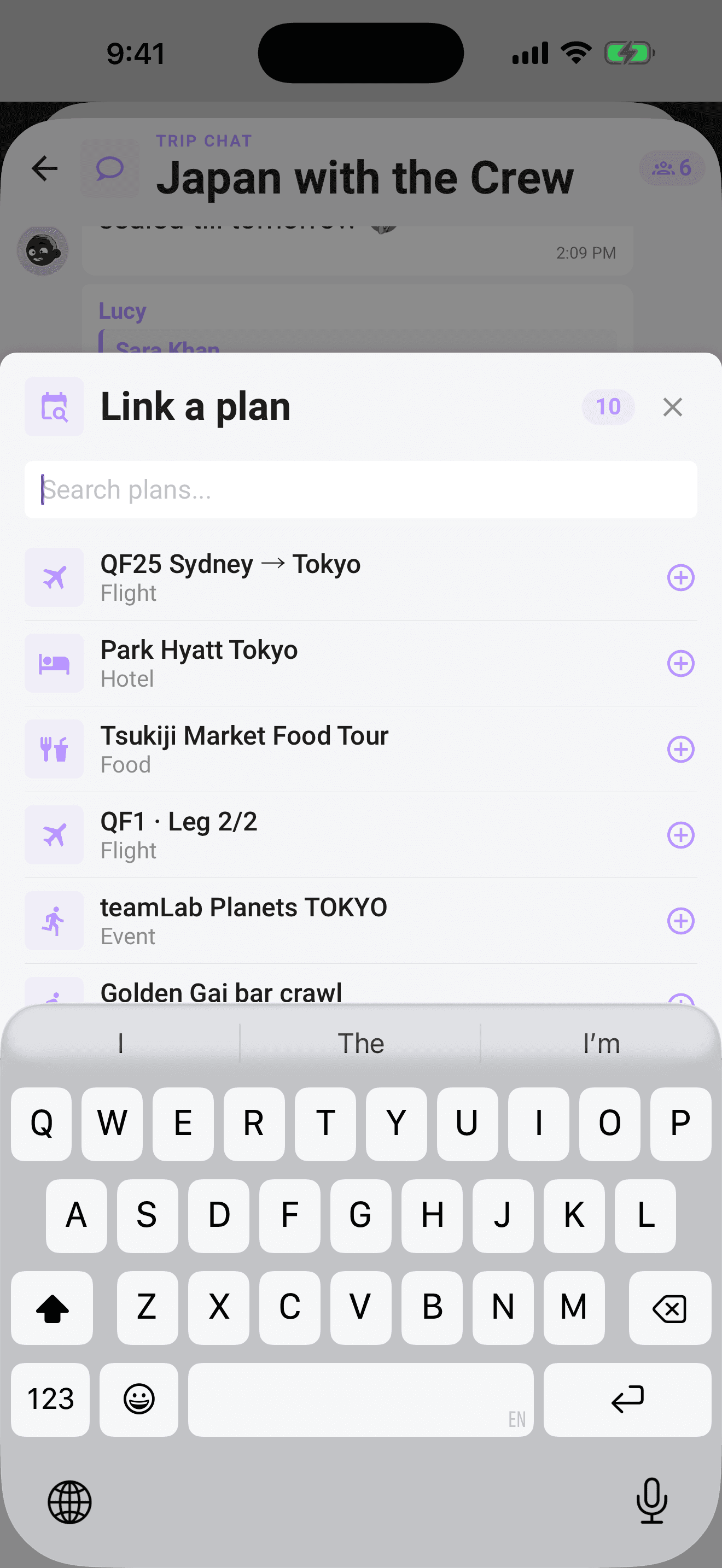
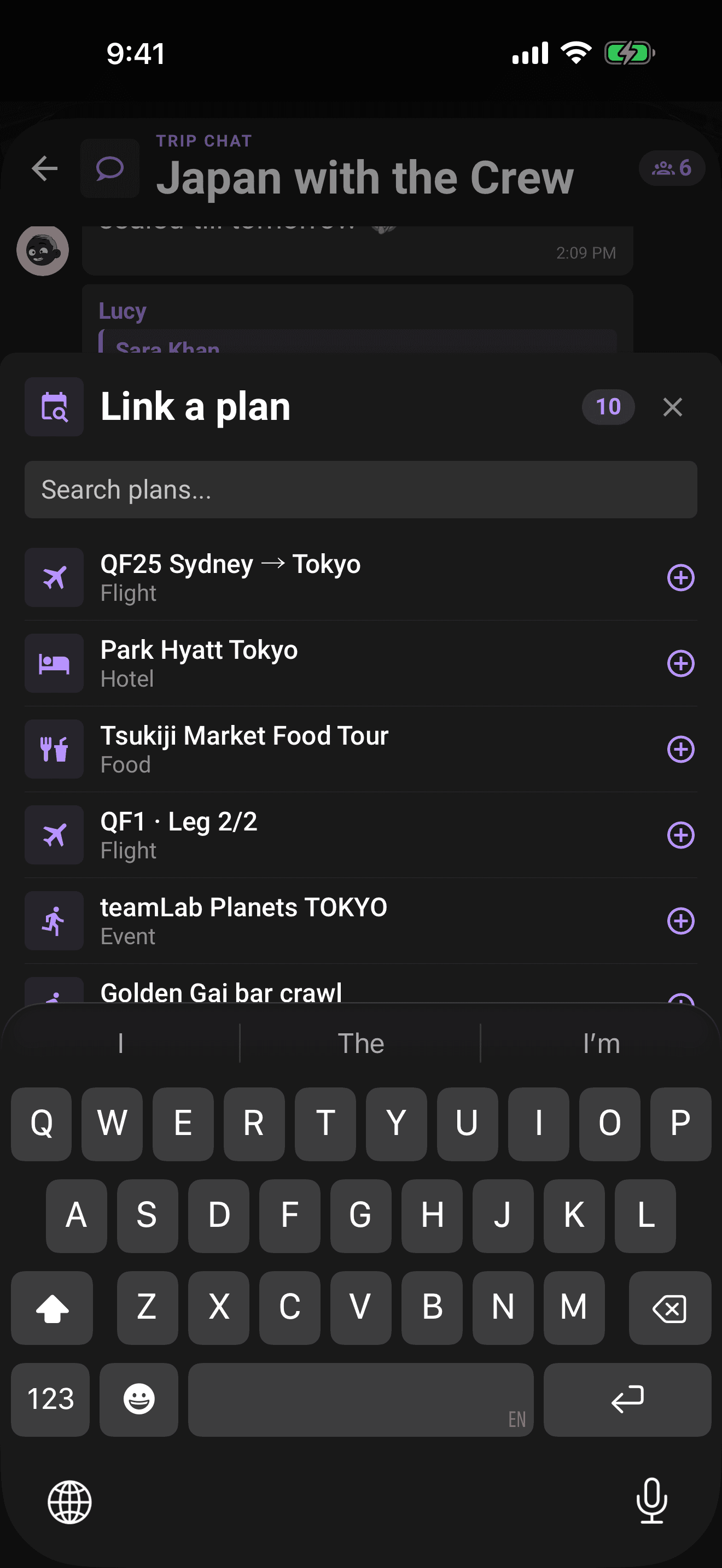
- 1Type / as the first character of your message. The Link a plan picker pops up, listing the trip's plans.
- 2Keep typing after the / to filter the list live, "/din" narrows to plans matching "din".
- 3Tap a plan to attach it. (Prefer menus? + → Link a plan opens the same picker.)
- 4The plan shows as a chip above the composer with its icon and name, tap the chip's X to detach it.
- 5Send. The plan posts as a card in the chat, with your text, or on its own.
Note
Editing a sent message can't add or change its linked plan, attach the right plan before you send.
Propose a plan from chat
Sometimes the plan starts as a message: a restaurant link, a photo of a flyer, or "what if we do the sunrise hike?" Turn it into a proposal without retyping.
- 1Long-press the message, link, or photo.
- 2Choose Propose as plan.
- 3Limbo opens the add-plan flow with the chat content prefilled as a note.
- 4Pick the right plan type, clean up the title or details, then save it.
On trips with voting enabled, saving the plan starts the normal proposal flow, so the crew can vote on it like any other plan.
Reading the plan card
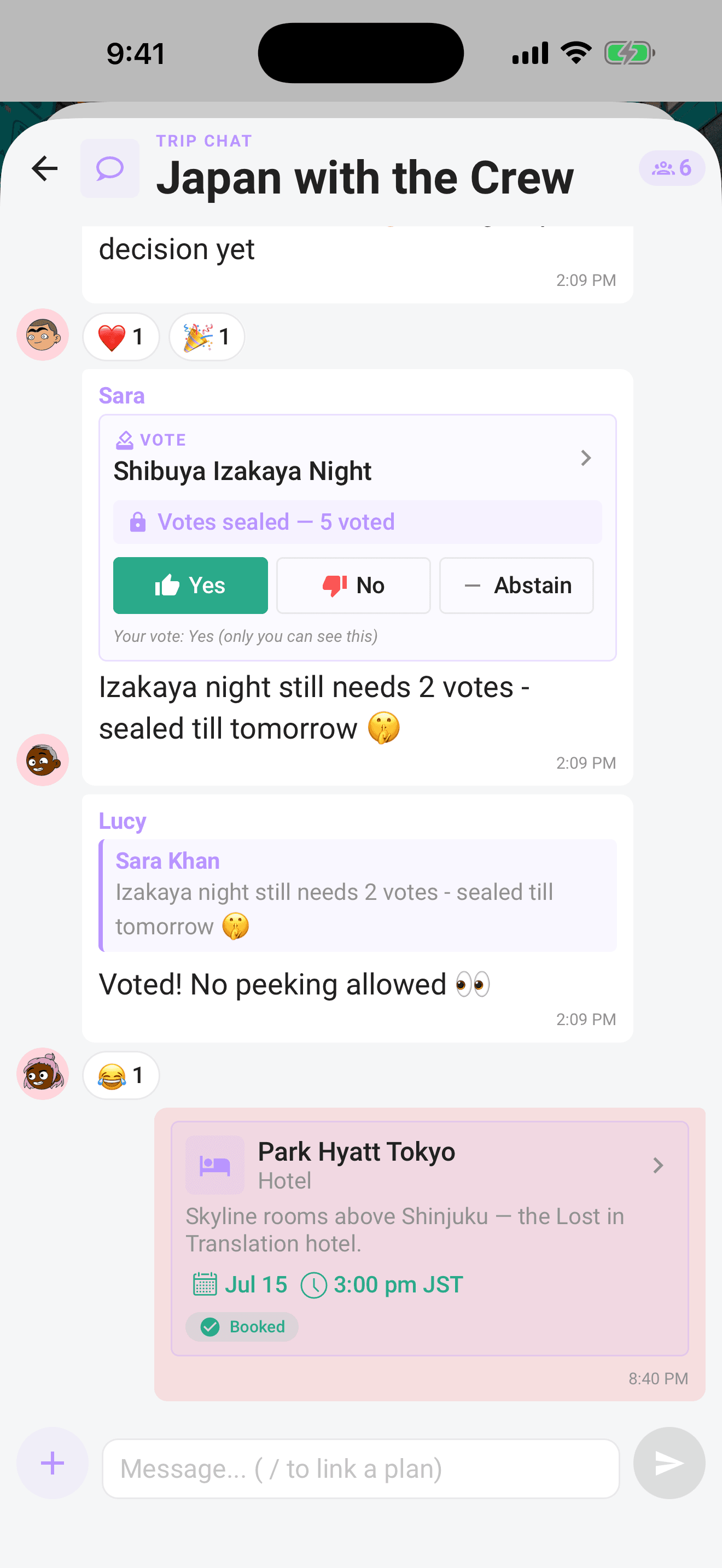
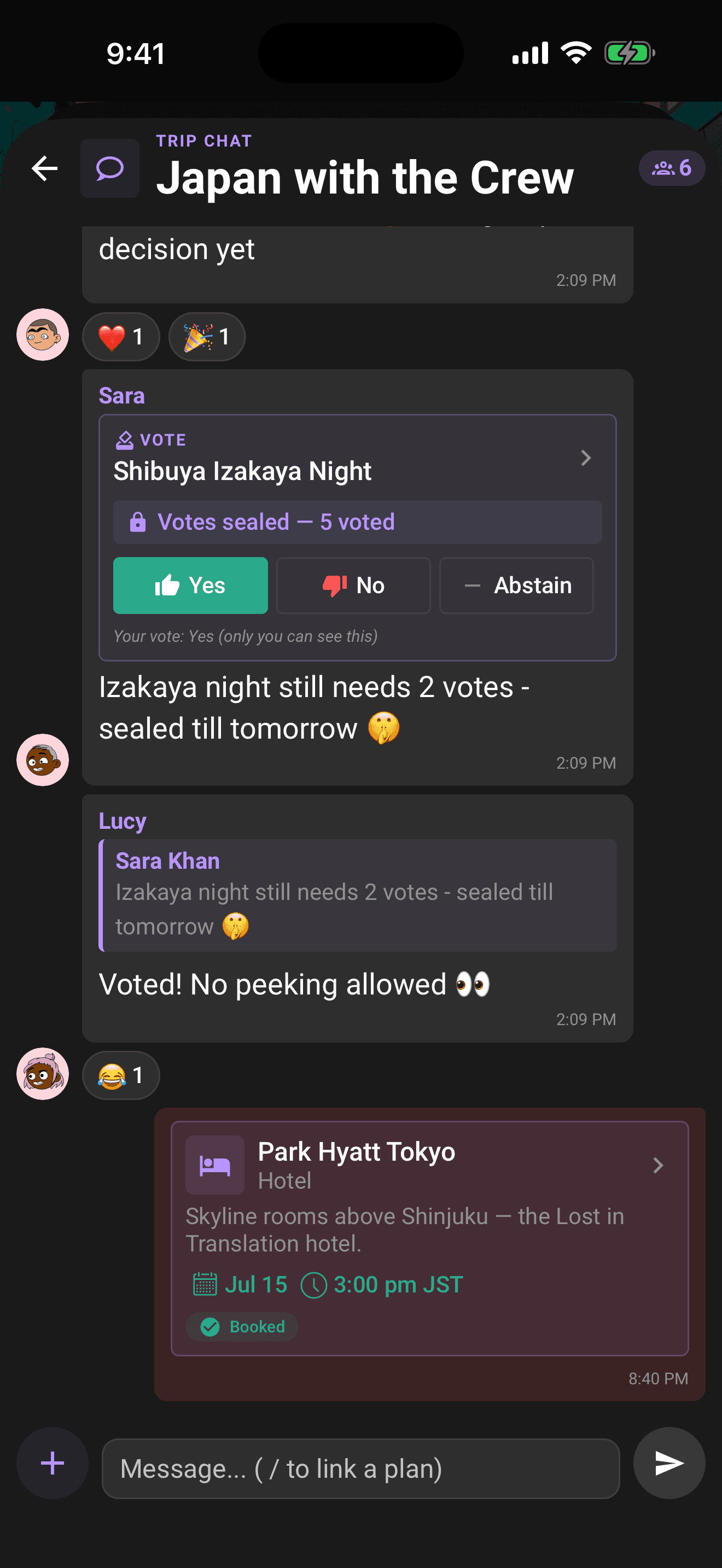
A linked plan renders as a rich card inside the bubble:
- Icon and name: the plan's type icon (bed, plane, food, activity…) next to its name, with the type label underneath and a chevron hinting it's tappable.
- Description: the first couple of lines, if the plan has one.
- Date and time: when the plan is scheduled.
- Status chips: a green Booked pill if the booking is confirmed, and an email chip if the plan was created from a forwarded booking email (see Plans from your email).
Tap for details, without leaving chat
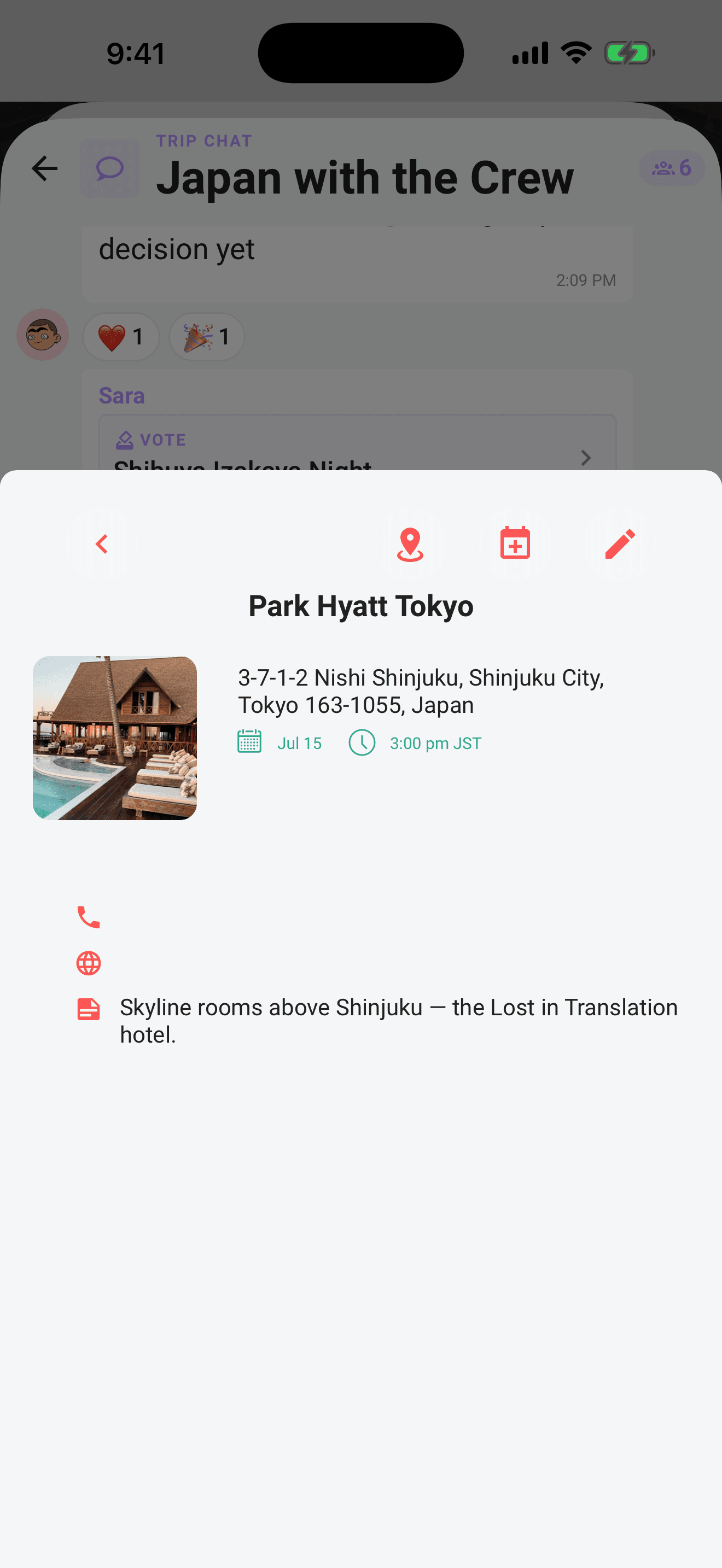
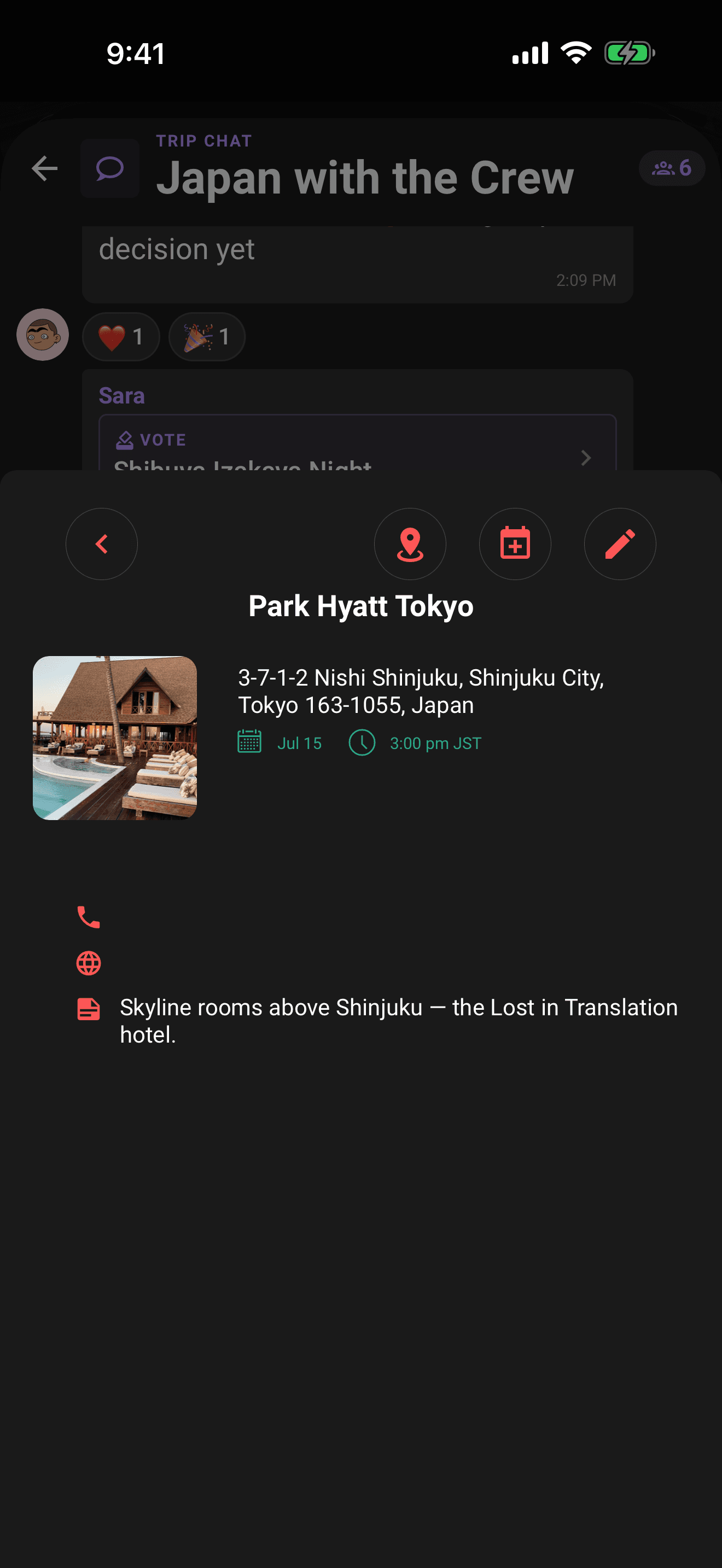
Tap any plan card and its details sheet slides up right there in the conversation, no detour through the trip screen. Flights open the full flight details sheet; everything else opens the standard plan details. Swipe it away and you're back in the chat where you left off.
Ballot cards: when a linked plan is up for a vote
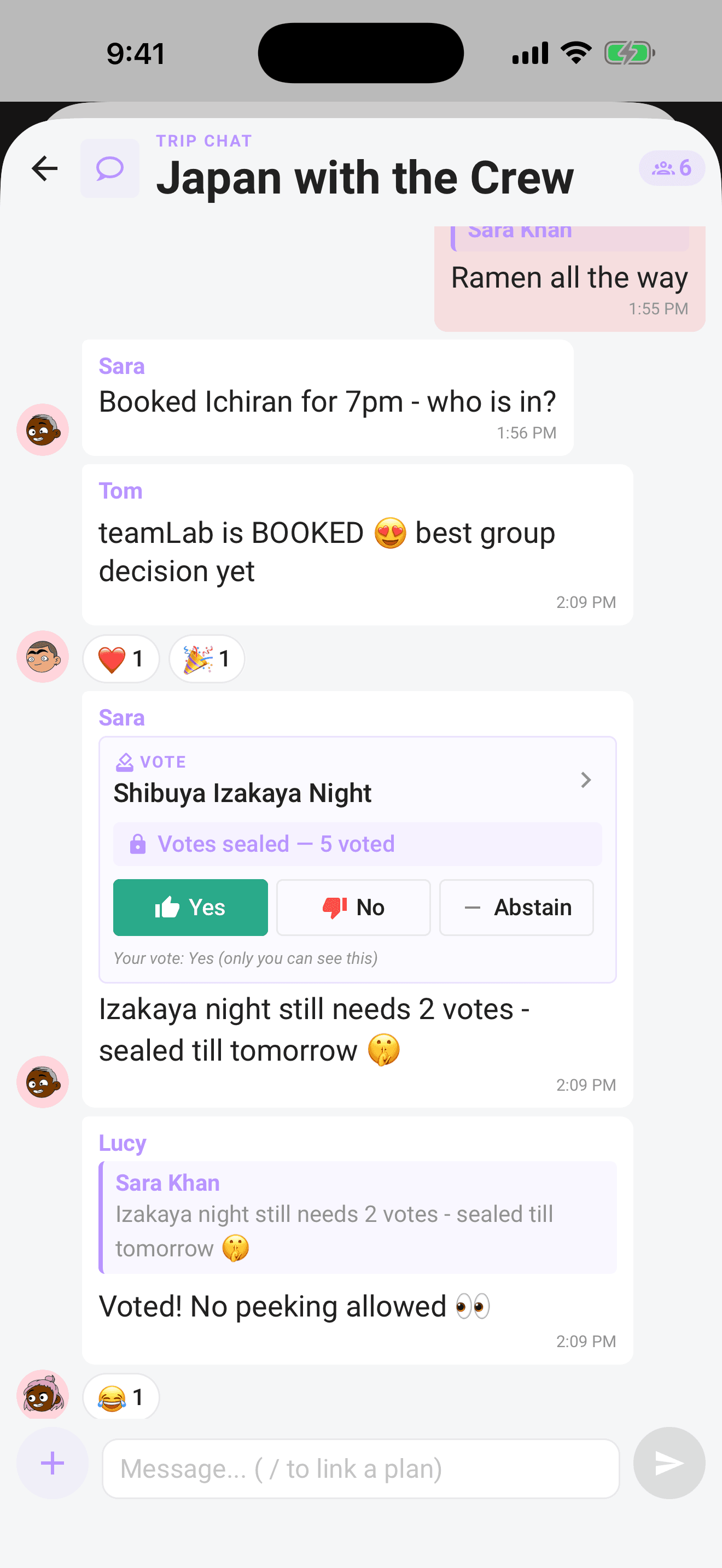
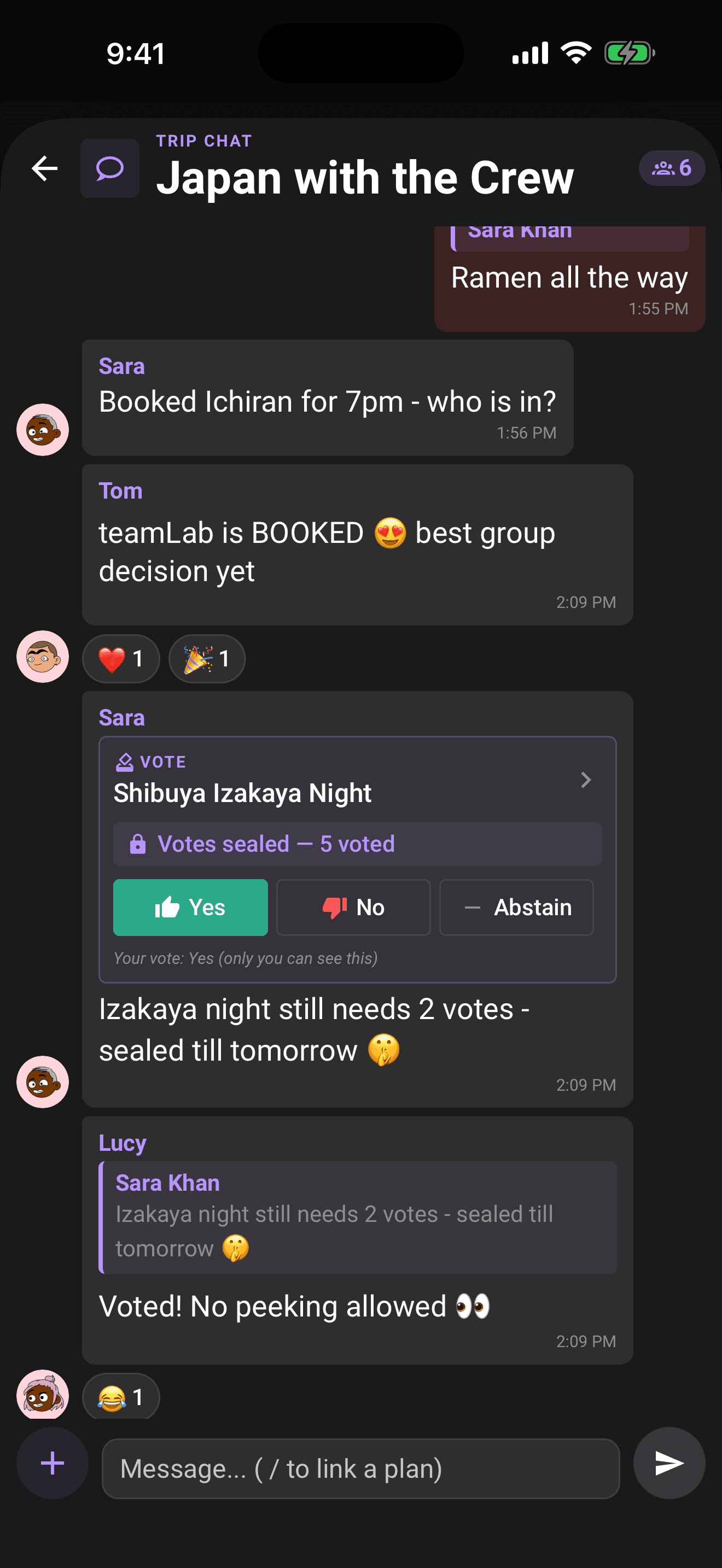
If the linked plan has an open ballot, the message renders as a ballot card instead of a plain plan card: a "VOTE" tag, the plan name (still tappable for details), and Yes / No / Abstain buttons. What's between them depends on the ballot:
- Sealed ballot: a lock row reading "Votes sealed, 4 of 7 voted". No tallies; if you've voted, your own choice shows underneath as "Your vote: Yes (only you can see this)".
- Open ballot: the live counts: yes, no, and abstain.
- Resolved ballot: the card flips in place to a verdict banner with the final tally, like "Approved, 8 yes · 2 no · 1 abstain". Organizers also see Reopen voting here.
- Deadline passed, not yet decided: a "Voting closed" note, with the buttons disabled until an organizer steps in.
Voting from chat
Tap Yes, No, or Abstain on the card. Your choice highlights immediately. Tap a different choice to change your vote, or tap the selected choice again and confirm to remove your vote. You can do either any time before the deadline. The same remove-or-change behavior is available in the full Voting sheet, so there is still only one vote per person wherever you cast it.
Everything updates in real time for the whole crew: on sealed ballots the "X of N voted" count ticks up as votes land, on open ballots the tally moves, and the moment the ballot resolves the card flips to its verdict banner in everyone's chat at once.
Tip
Where the server-controlled Pro offline-access capability is enabled, verified Limbo Pro access lets you cast, change, or remove a vote without a connection. Limbo queues it and sends it after you reconnect. If the app says offline access needs verification, reconnect before opening the trip or voting.
How verdicts get decided, thresholds, deadlines, and the reveal, is covered in How group voting works and The reveal.
Related articles
Trip chat basics
Message your crew, react, run polls, turn chat ideas into plans, share photos, and vote on ballots without leaving the conversation.
How group voting works
Turn plans into proposals, vote yes, no, or abstain, and see the reveal when the ballot closes.
The reveal
What happens when a ballot resolves: the verdict stamp, the tally bars, who voted for what, who sat it out, and sharing the result.