Expenses and balances
Read the Expenses total, shares, payments, statistics, and activity, then open Balances to see who owes whom.
Limbo 2.3 puts trip money into two panels in the expandable trip sheet:
- Expenses answers “What does the trip cost, how is it split, and what has everyone paid?”
- Balances answers “Who owes whom after those payments and any repayments?”
Everyone on the trip can read both panels. member You can edit a plan's cost from its details, or create a standalone expense for something that does not need itinerary details.
Open Expenses
Tap the Expenses tile on the trip screen. If another workspace is already open, tap the Expenses pill. Organizers and crew with edit access also see Add expense at the top.
If there are no costed plans yet, the panel says No expenses yet. Add a cost to a plan and it will appear here automatically, or tap Add expense to record a cost-only item. Choose the amount, currency, and category, and add optional notes. For a one-off item, Expense Date adds an optional date, time, and timezone. Turn on Recurring daily to choose a start and end date instead; both dates count, and Limbo shows the day count and full projected total when you reopen the expense. Save it with the checkmark. Creating a standalone expense needs a connection.
Reopen a standalone expense from Expense Activity and tap the pencil to edit the same amount, currency, category, one-off date or recurring range, and notes. Historical one-off dates remain correctable, while a recurring end remains at or after its start.
Trip total and expense shares
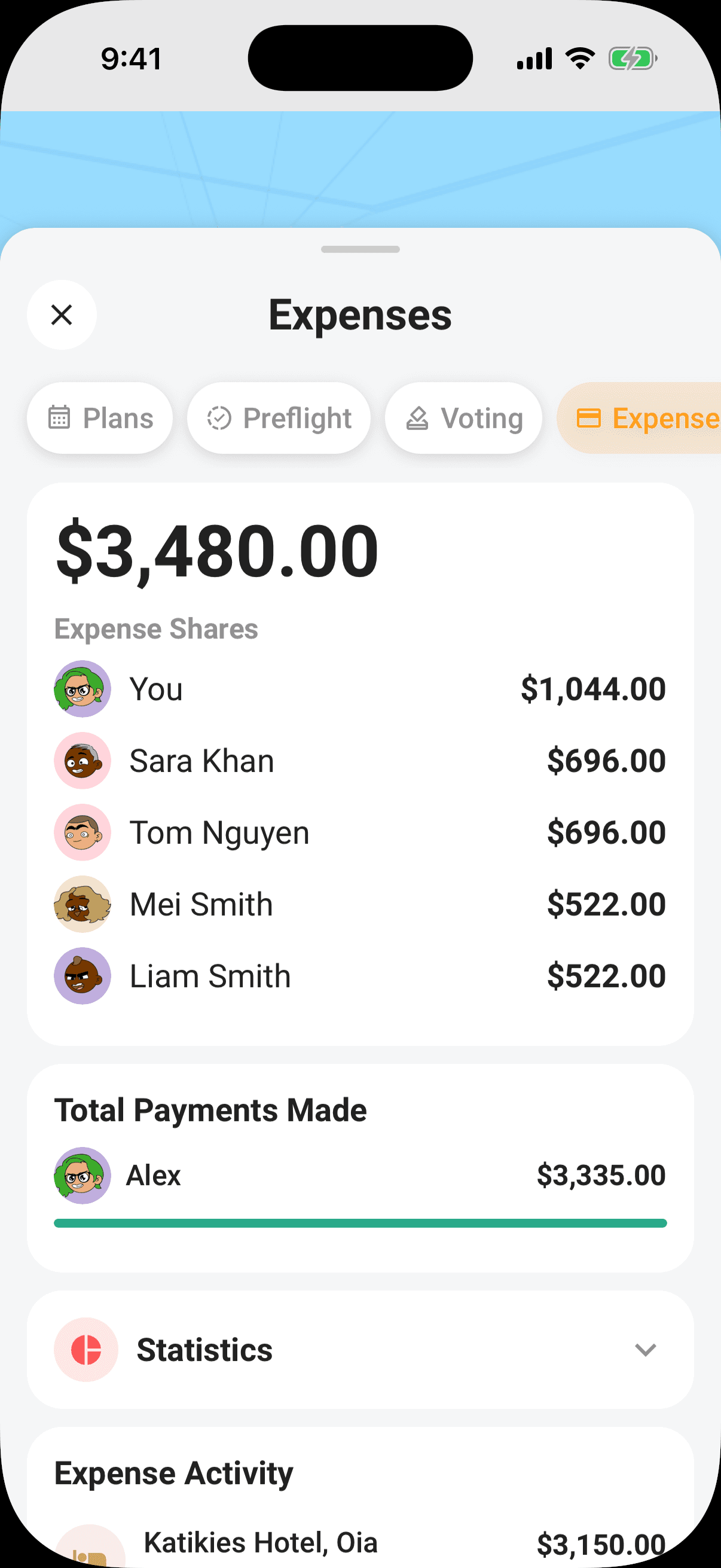
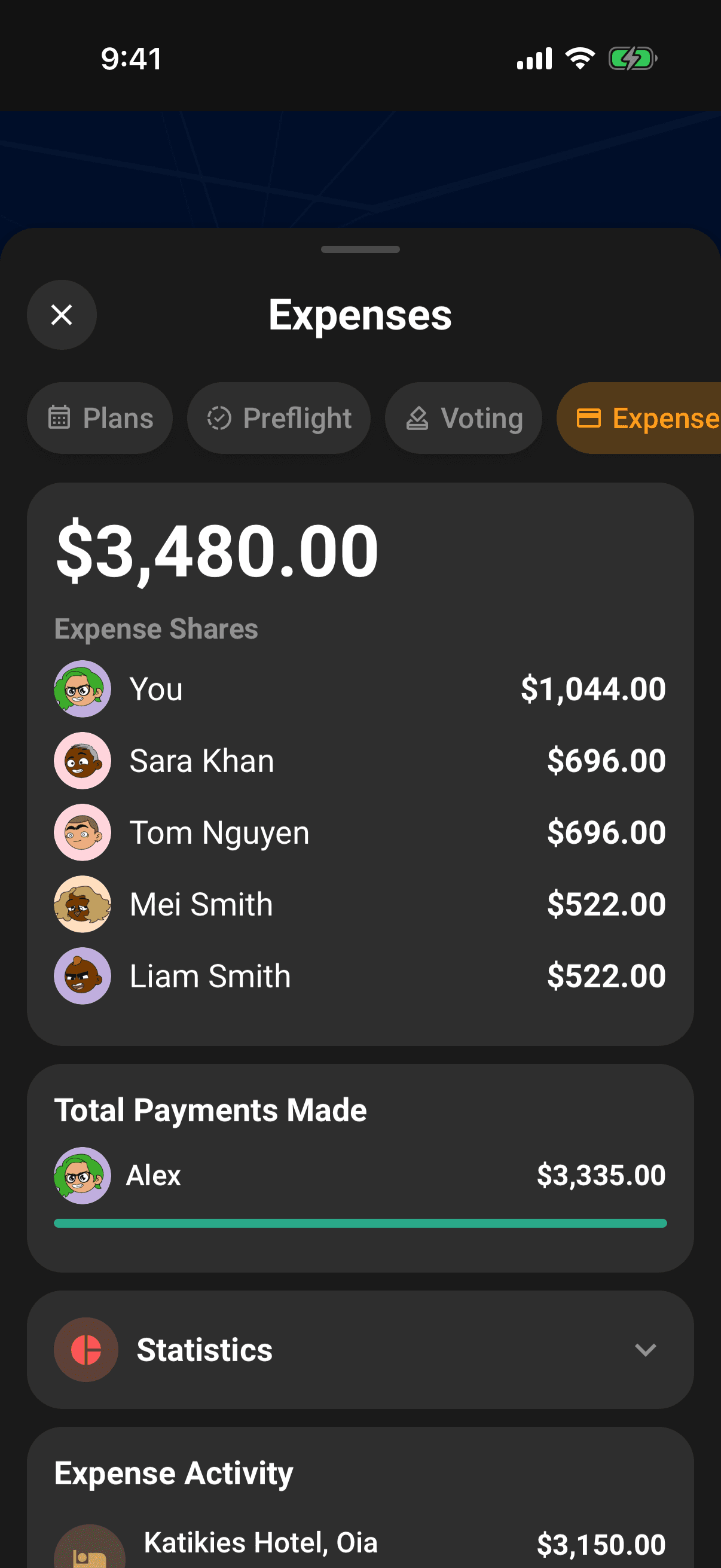
The large amount at the top is the total of every plan with a cost. When an exchange rate is available, foreign-currency items are converted to the trip's default currency. If a rate is unavailable, the panel names the affected currencies: their amounts remain at face value in the combined total, so it is not a fully converted total. Expense Activity keeps those items in their original currency. Changing the trip's default currency does not rewrite the amounts or currencies saved on your expenses.
When cost splitting is enabled, Expense Shares lists each adult and their share of the total. These are planned shares, not necessarily what each person has already paid.
Total Payments Made
Once a confirmed expense has a Paid by value, Total Payments Made groups those recorded payments by person. The bars show each person's portion of all recorded payments.
If this section is missing, no confirmed expense has a payer recorded yet. Open an item in Expense Activity, edit it, and set Paid by. See Record who paid.
Statistics
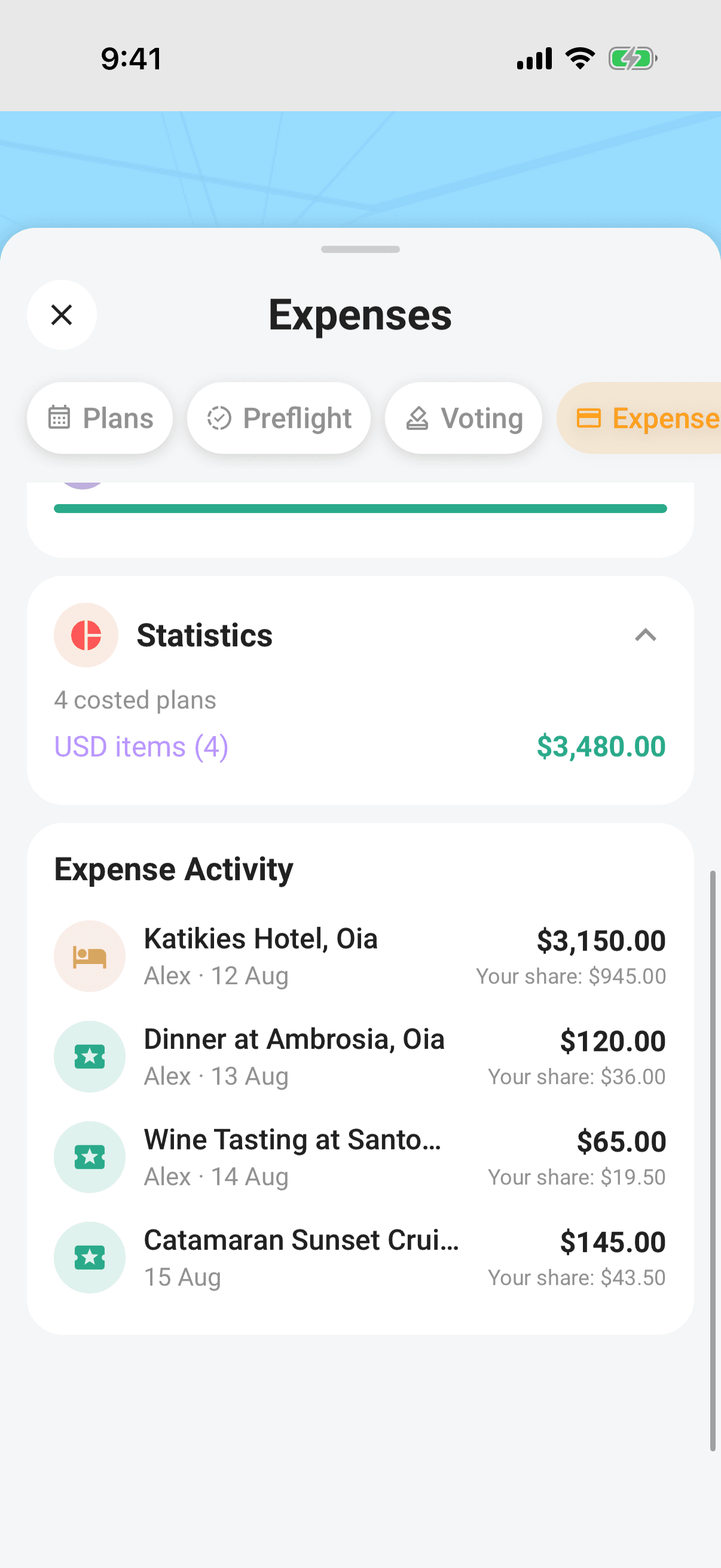
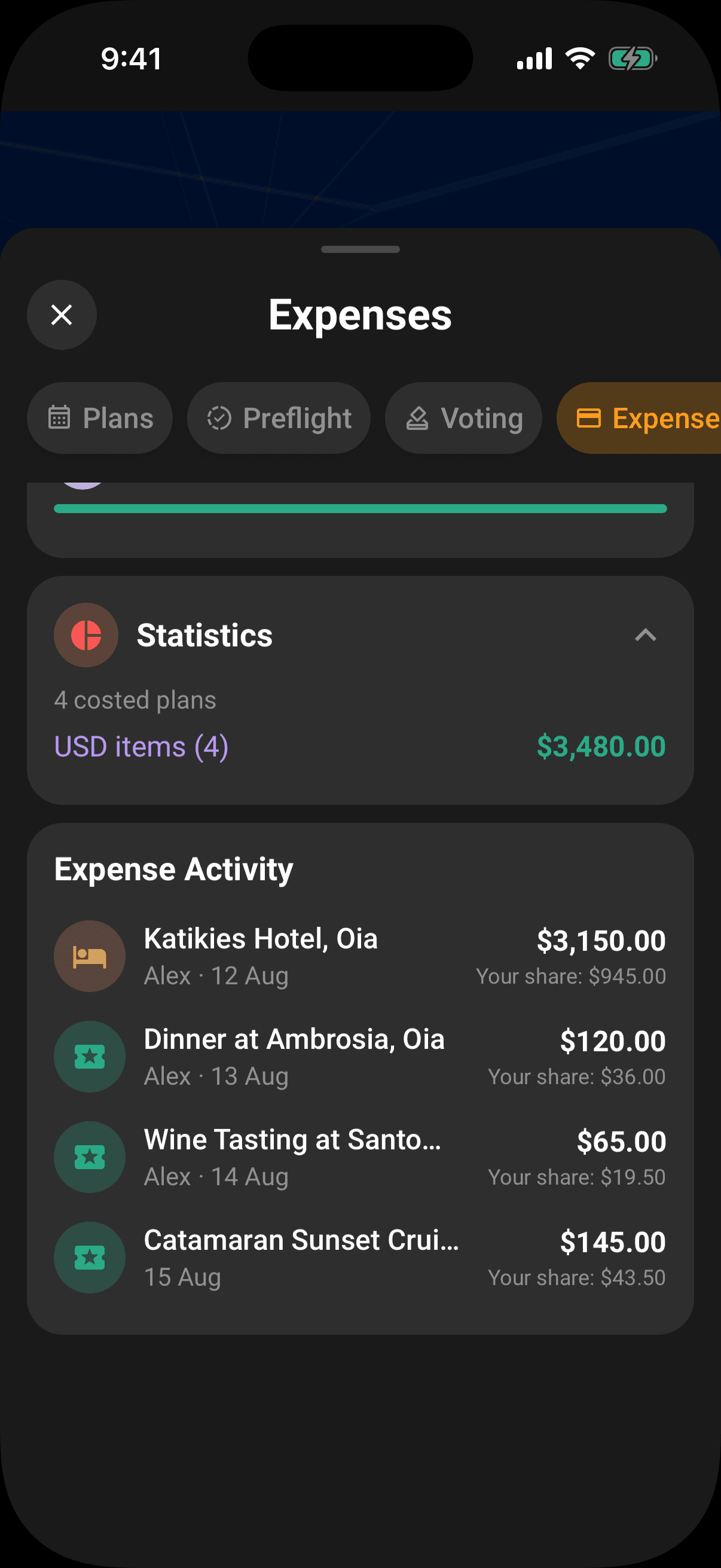
Tap Statistics to expand a currency breakdown. It shows:
- The number of costed plans.
- Each currency's item count and native subtotal.
- The converted total and rate when an expense uses another currency and a rate is available.
- The date used for exchange rates when multiple currencies are present.
Currency conversion is a planning estimate; the final rate charged by a bank or card provider may differ.
Expense Activity
Expense Activity includes every plan with a cost. Items are ordered upcoming first, then undated, then past. A row can show:
- The plan type and name.
- Who paid, when a payer is recorded.
- The plan date.
- The amount in the trip currency and, when different, the original currency.
- Your share, when cost splitting is enabled.
Tap a row to open the plan details. Use the pencil there to change its cost, split, or payer.
Open Balances
Open any workspace from a Hub tile, then tap Balances. This separate panel shows your position, a simplified repayment list, each person's net balance, and settlement history. See Understand who owes whom.
Permissions
- View Expenses and Balances: every crew member on the trip. member
- Add a standalone expense, or edit a cost, split, or payer: the trip owner, organizers, and crew with edit access to the trip. organizer
- Change the default currency or trip-wide split: anyone who can edit the trip.
Related articles
Track trip costs
Add a cost, cost split, and payer to a plan, then follow it in the trip's Expenses and Balances panels.
Split costs
Set an equal or custom crew split for the trip, override it on one plan, and see each person's share in Expenses.
Understand who owes whom
Use Balances to see your position, a simplified repayment list, every person's net balance, and recorded settlements.
The trip screen
A tour of the map-first trip screen: the draggable hub, day-coloured map, quick actions, tiles, workspaces, and trip settings.