Understand who owes whom
Use Balances to see your position, a simplified repayment list, every person's net balance, and recorded settlements.
Balances turns confirmed expenses into a short list of repayments. It combines each plan's cost split, who paid, and settlements already recorded, then shows who should pay whom. Limbo records the result; it never moves money.
Everyone on the trip can read Balances. member Only a verified debtor, creditor, or trip owner can record a repayment.
Open Balances
- 1Open the trip and tap Expenses (or another Hub tile) to raise the workspace sheet.
- 2Swipe the row of workspace pills if needed, then tap Balances.
- 3Read your position at the top and the repayment rows below it.
Your position
The first line describes your net position:
| You see | What it means |
|---|---|
| You're owed $40.00 | You have paid more than your share |
| You owe $25.00 | You still need to repay part of the trip's costs |
| You're all square | Your net balance is zero |
When the entire ledger is even, Balances shows Everyone's even — nothing to settle.
The repayment list
When money is outstanding, Limbo turns it into a short, simplified list of transfers. Each row shows:
- The person who should pay.
- An arrow pointing to the person who should receive the money.
- The repayment amount.
- Record, when you are allowed to record that repayment.
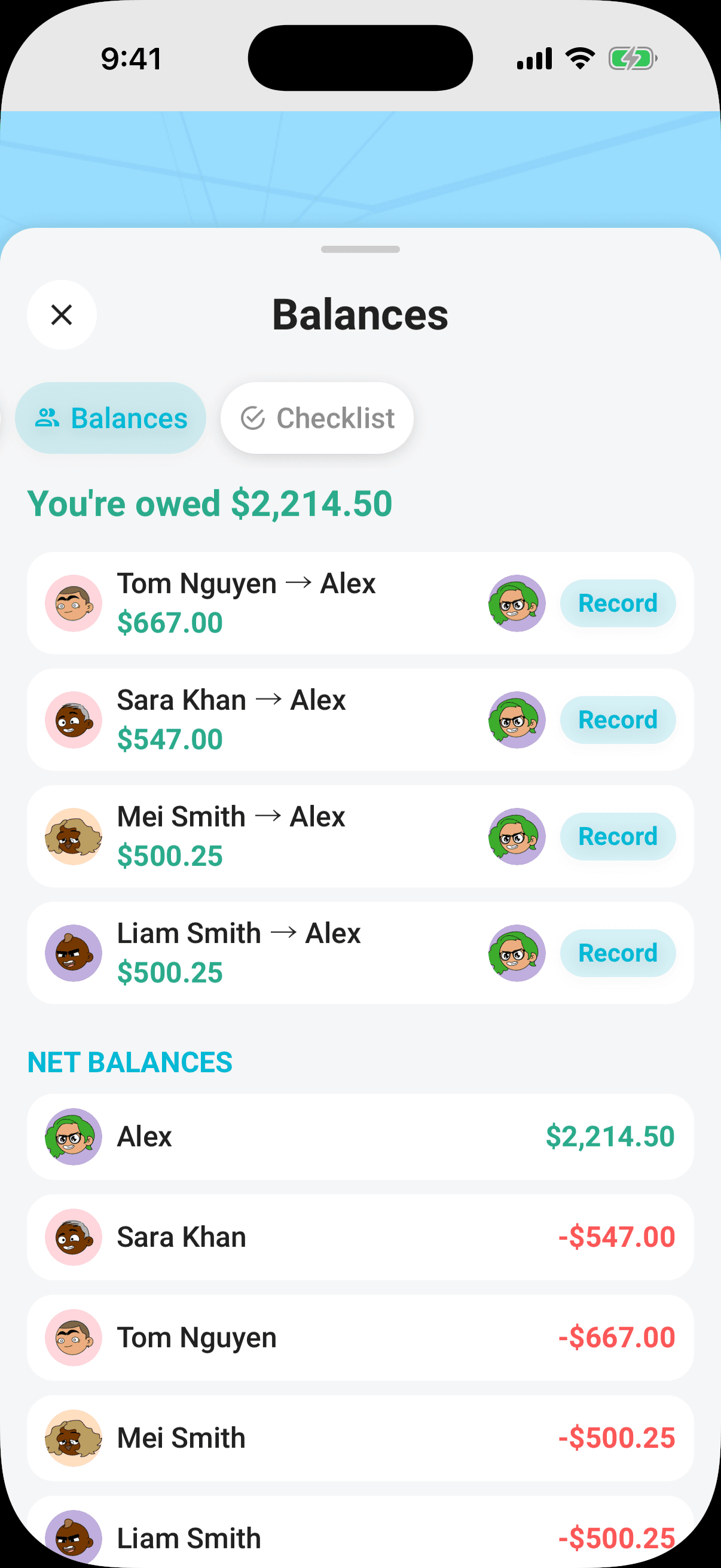
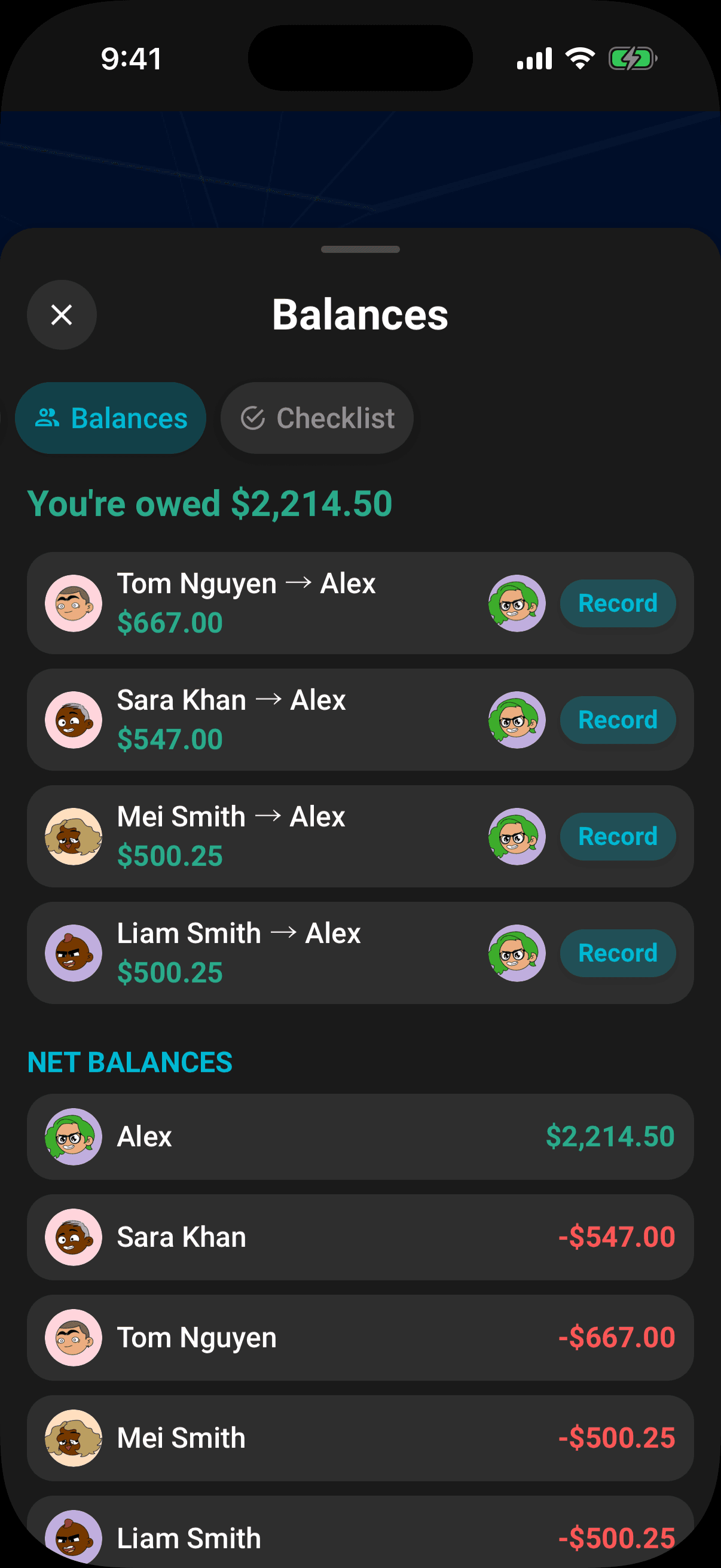
Tap Record to open the inline Mark as settled form. See Record and undo a settlement.
Net balances
NET BALANCES shows every adult's position:
- A positive green amount means that person is owed money.
- A negative red amount means that person owes money.
- Zero means they are square.
These positions always balance back to zero across the crew.
What counts
Balances is recalculated from confirmed expenses and active settlement records. An expense counts only when it has:
- A positive cost.
- An effective cost split.
- A recorded payer and payment amount.
- Confirmed status.
Proposals still on a ballot and rejected plans stay out of the ledger. If a payer is missing, edit the plan and set Paid by; there is no separate missing-payer nudge in the Balances panel.
Note
Balances does not apply live exchange-rate conversion in this release. For accurate repayment figures, record shared expenses in the trip's default currency.
Settled history
The SETTLED section shows how many settlements have been recorded, their combined total, and the settlement history. Eligible participants can Undo a mistaken entry. The details are in Record and undo a settlement.
Permissions
- Read positions, repayments, net balances, and settlement history: every crew member. member
- Record a repayment: a verified debtor, creditor, or trip owner. owner
- Set the payer on an expense: the trip owner, organizers, and crew with edit access to the trip. organizer
From ChatGPT or Claude
Your Limbo connector can show these balances and record expenses, payments and repayments after your approval. It records history and never transfers money. See expenses in chat.
Related articles
Record who paid
Set Paid by on a costed plan so Expenses shows the payment and Balances can calculate repayments.
Record and undo a settlement
Record a repayment from Balances, add an optional method and note, and undo a mistaken entry from settlement history.
Split costs
Set an equal or custom crew split for the trip, override it on one plan, and see each person's share in Expenses.
Expenses and balances
Read the Expenses total, shares, payments, statistics, and activity, then open Balances to see who owes whom.