August 7, 2026 · Limbo Crew
The offline travel folder every group should prepare
Keep essential addresses, booking references, meeting points and backup instructions accessible. Practical steps and a worked example.
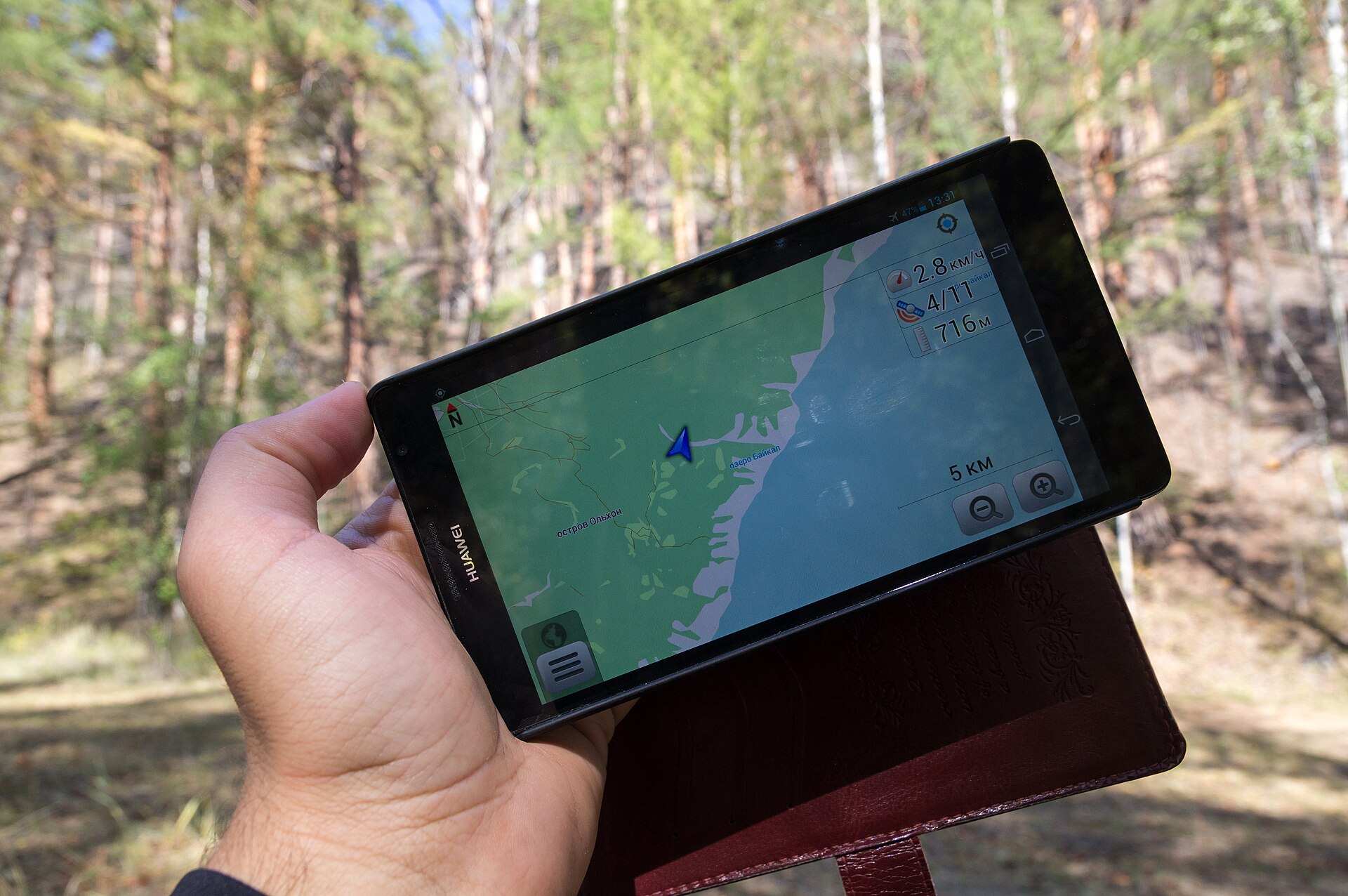
Photo: Vyacheslav Argenberg · CC BY 4.0. Full-frame photograph; cover thumbnails may crop for layout.

The best travel folder is the one you can open when the airport Wi-Fi fails. Prepare a small set of essential information and test it offline before departure instead of trusting a download icon you never checked.
In this guide: Keep essential addresses, booking references, meeting points and backup instructions accessible.
1. Save the practical essentials
Keep accommodation addresses, arrival instructions, booking details, meeting points and important contacts. Include only what the crew needs; avoid distributing unnecessary identity documents or private information.
2. Test the actual device
Open saved items without a connection on the phone or browser you will use. A link to a cloud file is not an offline copy. Check that pages, attachments and text remain readable after reopening.
3. Keep a fallback outside one app
Store critical details in an appropriate second form and agree where the current version lives. Limbo’s offline access and travel-pack availability depend on current access and setup; check its guide rather than assuming every map or search works offline.
Worked example: what this looks like
Fictional scenario—not a real customer story or executed AI result.
A fictional traveller discovers during a home test that the hotel address is saved but the late check-in instructions are only in an email link. They save the needed instructions, note the contact number and re-test. The trip’s map background may not load offline, but the address and meeting instructions remain usable.

Photo: weakestlink · CC BY-SA 2.0. Full-frame photograph; cover thumbnails may crop for layout.

Make the plan usable when attention is limited
Write the travel-day version for someone who is tired, carrying bags and looking at a phone. Put the next place, local time, address and immediate instruction first. Keep long terms and research notes accessible without making them the first thing a traveller must read.
Distinguish a confirmed instruction from a provisional assumption. If a transfer is not arranged, say who is checking it and by when. A clean itinerary is not evidence that every entry is booked. Keep the original supplier confirmation available for the details that matter.
Test the handoff with another crew member: can they explain where they go next without asking the organiser? If not, fill the missing information before adding more attractions. Repeat that check after a material change, especially if an older offline copy may still be in use.
A message or brief you can copy
Replace the bracketed fields with your own details. Read the complete text before sending it; copying it here does not send a message or perform an action.
Offline pack for [trip]: addresses, arrival steps, confirmed references, meeting points and contact plan. Last checked [date]. Test on [device/browser] without internet. If an item opens only through an online link, save an appropriate offline copy before departure.
Before you call it settled
- Local dates, times, places and contacts are clear.
- Confirmed arrangements are distinct from assumptions.
- A traveller other than the organiser can follow the next step.
- Essential offline information has been tested where needed.
- Changed details have replaced or clearly superseded old versions.
Refresh the pack after material changes. An offline plan should be deliberately prepared, not an accidental collection of outdated screenshots.
Put the decision somewhere useful
Keep the agreed plan and the information needed to act on it together in Limbo. Save the useful outcome of the conversation—not every abandoned option—and make clear what is still awaiting confirmation.
Sources and further reading
These references support the workflow and further checks; fictional examples are authored illustrations, not evidence of live prices, bookings or customer outcomes.